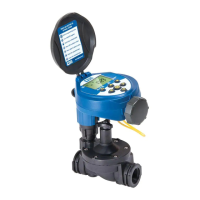
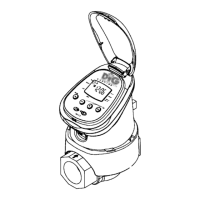
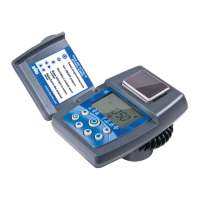
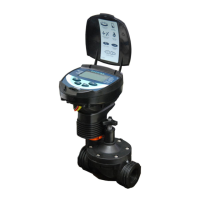
Need help?
Do you have a question about the DIG RBC MVA and is the answer not in the manual?
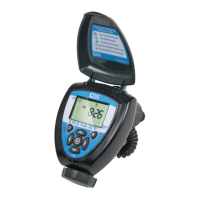
The screen that displays information and icons for applications/programs.
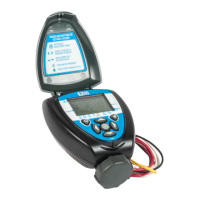
The primary interface for controlling and programming the timer functions.
Explains the icons and indicators shown on the timer's screen.
Describes the function of each button on the timer's keypad.
Step-by-step guide for inserting batteries correctly.
Initial safety step before installing the actuator.
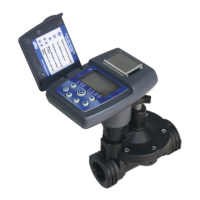
Attaching the actuator to the valve.
Adjusting flow for system operation.
Testing valve closure via the timer's manual button.
Inputting the accurate hour and minute.
Directs users to the battery installation section.
Troubleshooting guide for watering failures.
Diagnosing issues with automatic operation.
Troubleshooting guide for a non-responsive display.
Diagnosing issues where the valve does not shut off.
 General
| Brand | DIG |
|---|---|
| Model | RBC MVA |
| Category | Controller |
| Language | English |

 To Next Page