EasyManua.ls Logo

DIG 720A Series - User Manual

DIG 720A Series
36 pages
Print Icon
To Next Page IconTo Next Page
Loading...
INSTRUCTION MANUAL
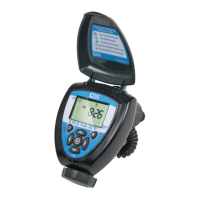
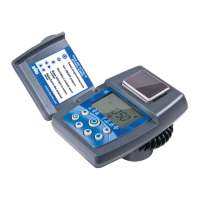
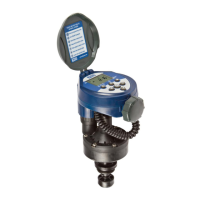
7X0A
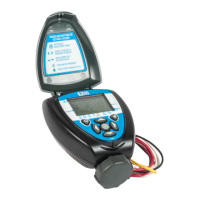
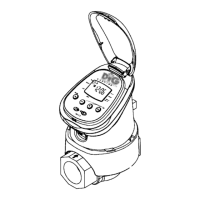
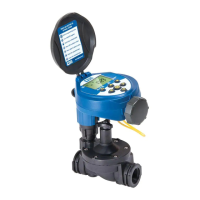
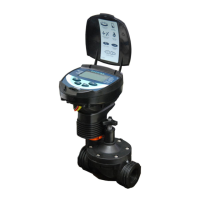
Two, Four and Six Station Irrigation
Battery Operated Controller
720A-XXX | 740A-XXX | 760A-XXX
Question and Answer IconNeed help?

Do you have a question about the DIG 720A Series and is the answer not in the manual?

DIG 720A Series Specifications

General IconGeneral
BrandDIG
Model720A Series
CategoryController
LanguageEnglish

Summary

DIG Controller Overview

Controller Component Identification

Controller Mounting Options

Connecting Controller Wires

Install Controller Batteries

DC Solenoid Installation

In-Line Valve Installation

Anti-Siphon Valve Installation

DC Actuator Valve Installation

LCD Display Icons & Symbols Guide

Controller Button Functions

Irrigation Programming Overview

Set Controller Time and Date

Instructions for setting the current time, date, and preferred time format.

Select Irrigation Program

How to choose and modify one of the four available irrigation programs (A to D).

Set Watering Frequency

Determines watering days: specific days, even/odd, or cyclical interval.

Set Irrigation Start Times

Configures up to five separate irrigation start times per day for each program.

Set Watering Run Times

Determines the duration each valve remains open for watering during operation.

SimpleSmart ET Programming

Uses historical ET data to automatically adjust irrigation schedules.

Seasonal Adjustment (Monthly Budget)

Allows monthly alteration of watering run times or SimpleSmart™ total run times.

Set Rain Delay Mode

Temporarily prevents watering for specified days, resuming automatically.

Set Events Off

Allows disabling watering for specific months or days within a month.

Manual Watering Mode

Connect Rain Sensor

Troubleshooting and Maintenance

Technical Support Information

DIG Controller Warranty

Related product manuals