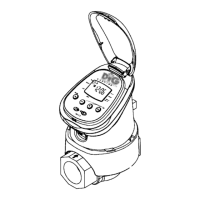
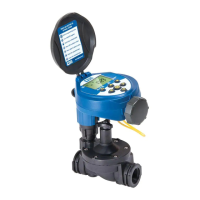
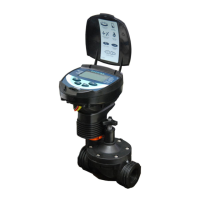
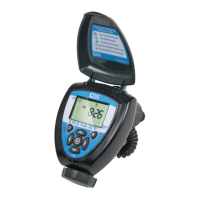
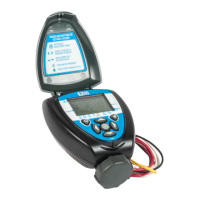
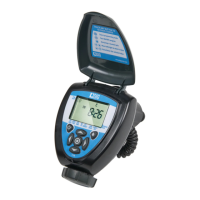
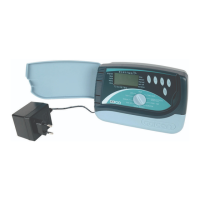
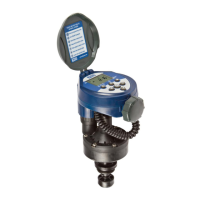
Need help?
Do you have a question about the DIG 740A Series and is the answer not in the manual?
Provides a step-by-step guide for making the electrical connections between the controller and irrigation valves/sensors.
Specific instructions for installing the controller with DC solenoids, including adapter selection and testing.
Determines how often the controller will water, offering options like specific days or cyclical intervals.
How to define the specific times during the day when watering cycles will begin.
Defines the duration each valve stays open to water a specific zone.
Configuring the ET-based watering feature that automatically adjusts schedules based on historical data.
Steps to enable the SimpleSmart™ ET feature for individual valves.
Adjusting watering run times on a monthly basis using a percentage budget.
Setting a temporary pause for watering for a specified number of days.
Identifies common problems with the controller and provides solutions for diagnosis and repair.
 General
| Brand | DIG |
|---|---|
| Model | 740A Series |
| Category | Controller |
| Language | English |


 To Next Page