EasyManua.ls Logo

DIG 400A Series - User Manual

DIG 400A Series
28 pages
Print Icon
To Next Page IconTo Next Page
Loading...
INSTRUCTION MANUAL
400A Series
Single Station Irrigation
Battery Operated Controller
400A-000 | 400A-XXX
Question and Answer IconNeed help?

Do you have a question about the DIG 400A Series and is the answer not in the manual?

DIG 400A Series Specifications

General IconGeneral
BrandDIG
Model400A Series
CategoryController
LanguageEnglish

Summary

Introduction to the DIG 400 A Series Controller

About the DIG 400 A Series Battery Controller

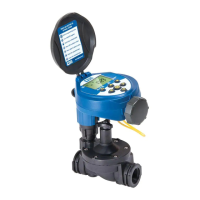
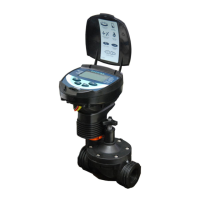
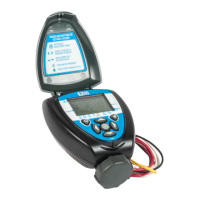
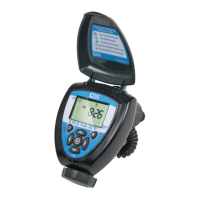
DIG 400 A Series Component Identification

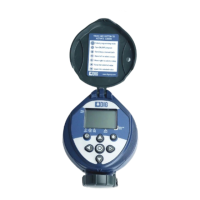
Controller Unit Components

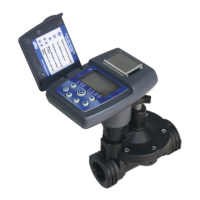
Identifies main parts of the controller, including display, keypad, and battery compartment.

Valve and Adapter Identification

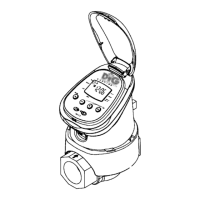
Details solenoid adapters and the 3/4 in. professional grade in-line valve.

DIG 400 A Series LCD Display and Controls

Understanding DIG 400 A LCD Display Icons

Explains the meaning of various icons and indicators shown on the LCD screen.

Operating DIG 400 A Control Buttons

Describes the function and usage of each button on the controller.

Installing Batteries in the DIG 400 A Controller

Valve Adapter Installation for 400 A-000

In-Line Valve Installation for 400 A-XXX

DIG 400 A Series Programming Overview

Setting Current Time and Date on 400 A Controller

Setting Watering Day Schedules for 400 A

Specific Day Watering Schedules

How to select specific days of the week for watering.

Even or Odd Day Watering Schedules

How to set watering for even or odd days of the month.

Cyclical Watering by Hours

How to set watering to occur at specific hourly intervals.

Cyclical Watering by Days

How to set watering to occur at specific day intervals.

Setting Watering Start Times for 400 A

Programming Multiple Start Times

How to program up to four separate irrigation start times per day.

Deleting Programmed Start Times

Procedure to remove a programmed start time.

Setting Watering Run Times (Duration)

Defining Watering Duration

How to set the length of time the valve remains open for watering.

Setting Rain Delay Feature

Enabling Rain Delay Suspension

How to temporarily suspend irrigation for a defined number of days.

Disabling Rain Delay Suspension

How to cancel the temporary suspension of the program.

Manual Watering Operations

Performing a Manual Watering Run

How to manually test the system and water for a specified run time.

Connecting a Rain Sensor to the Controller

Rain Sensor Wiring Instructions

Step-by-step guide to connect a rain sensor to the controller.

Changing Batteries in the DIG 400 A Controller

DIG 400 A Maintenance, Troubleshooting, and Repairs

Restoring Controller to Default Settings

How to reset the controller to its original default settings.

Troubleshooting Display and Valve Issues

Solutions for blank displays or valves not closing properly.

Troubleshooting Rain Sensor and Watering Frequency Problems

Solutions for rain sensor malfunctions and excessive watering.

DIG 400 A Series Warranty Information

DIG 400 A Technical Assistance and Support

Ordering Replacement Parts for DIG 400 A

Related product manuals