EasyManua.ls Logo

DIG 710A Series - User Manual

DIG 710A Series
36 pages
Print Icon
To Next Page IconTo Next Page
Loading...
INSTRUCTION MANUAL
710A Series
Single Station Irrigation
Battery Operated Controller
710A-XXX | 710A-ASV-XXX | 710A-011
Question and Answer IconNeed help?

Do you have a question about the DIG 710A Series and is the answer not in the manual?

DIG 710A Series Specifications

General IconGeneral
BrandDIG
Model710A Series
CategoryController
LanguageEnglish

Summary

Introduction to DIG 710 A Series Controller

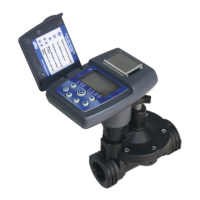
About the 710 A Controller

Overview of the 710A irrigation controller, its features, and power source.

Component Identification

Controller and Valve Components

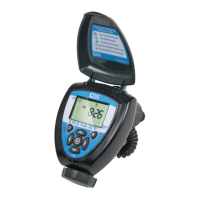
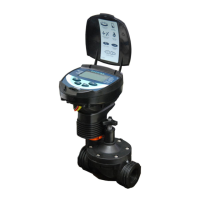
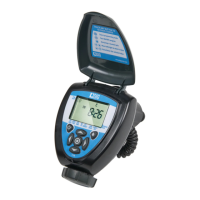
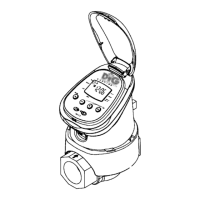
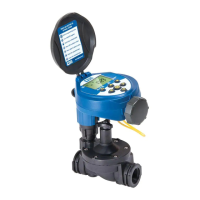
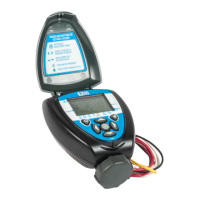
Identification of the main controller unit parts and connected valve components.

LCD Display and Controls

LCD Display Elements

Description of icons and indicators shown on the controller's LCD screen.

Control Buttons

Functions and operations of the seven programming buttons on the controller.

Valve or Wall Mounting

Valve Mounting Instructions

Steps for connecting the controller directly to an irrigation valve.

Wall Mounting Instructions

Steps for attaching the controller to a wall using a mounting plate.

Installing the Batteries

Valve Adapter Installation

In-Line Valve Installation

Anti-Siphon Valve Installation

Changing Actuator Adapters

Manual Valve Actuator Installation

Programming the Controller

Setting Time and Date

Setting Watering Frequency

Setting Start Times

Setting Watering Run Times

Setting the Simplesmart Option (Set ET)

Setting Seasonal Adjustment (Monthly Budget)

Rain Delay Setting

Events Off Setting

Manual Watering

Connecting a Rain Sensor

Maintenance, Troubleshooting and Repairs

Warranty Information

Technical Assistance

Related product manuals