Digital Ally, Inc. | Video Playback and Management
6-2
FirstVu HD Operation Guide | 860-00177-00 Rev J
Go Back To Table of Contents
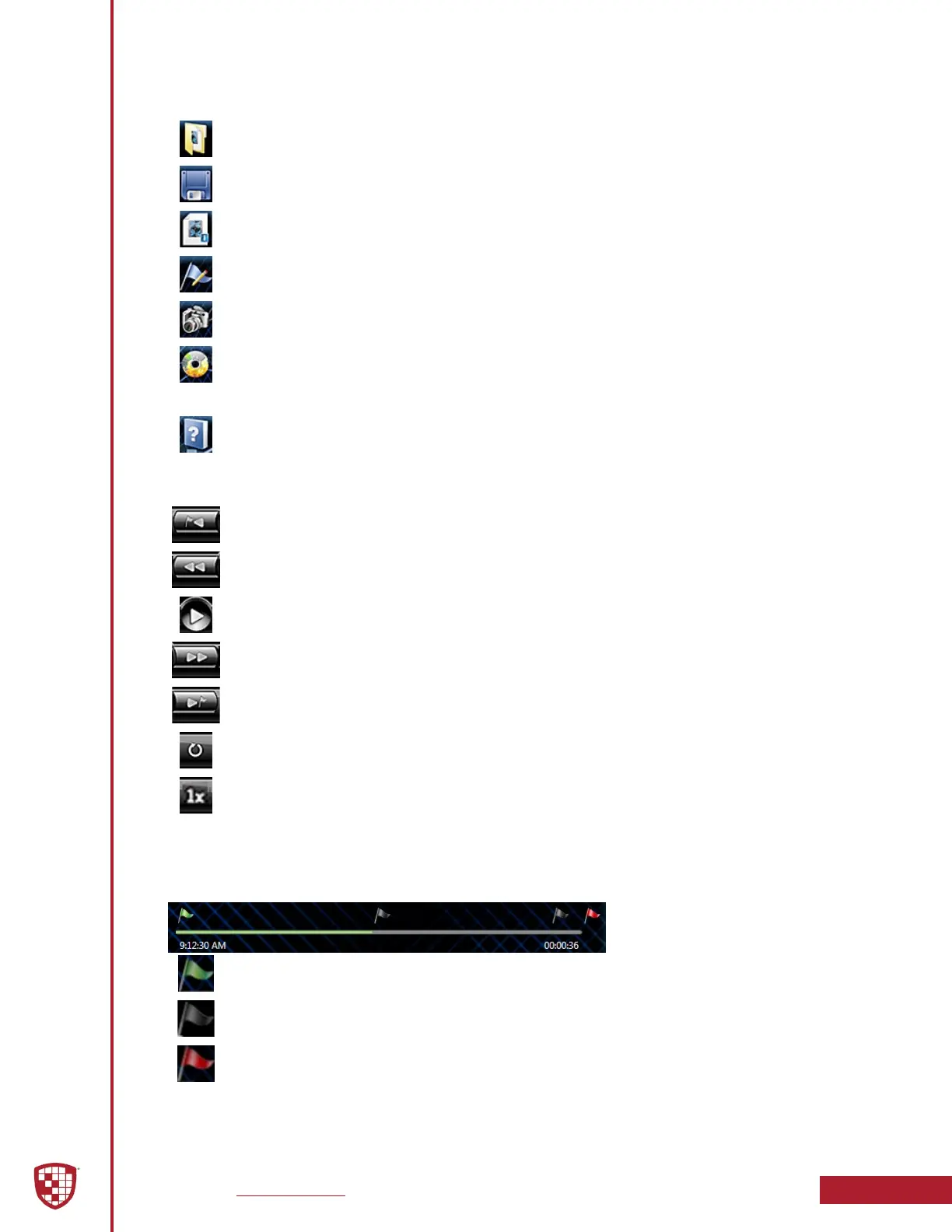
Browse Media: Browse and select event les (.mtd) to playback.
Save Media: Save changes or segment a video event. Segmenting the video
allows you to create a new video without altering the original video.
Media Details: Displays the details of the media le and allows adding
additional information.
Edit Marks: Add/Edit Marks or Notes to the video event.
Image Capture: Save a snapshot of a frame of video.
Burn to CD/DVD: Create a data disc or movie DVD of the video event using
this wizard. Simply follow the on-screen prompts to back up your recorded
event.
Help: Displays help information and software version.
Previous Mark: Click to skip to the Previous Mark.
Rewind: Click and hold to rewind.
Play/ Pause: Click to begin playback or pause video.
Fast Forward: Click and hold to Fast Forward.
Next Mark: Click to skip to Next Mark.
Start Over/Repeat: Click to Restart video from the beginning or Repeat
playback.
Playback Speed Control: Adjust the Playback Speed (4x, 2x, 1x, 1/2x, 1/4x).
The Playback Slider bar allows you to move forward or backward in the video event
very quickly by dragging the slider.
Beginning of Video: The Green Flag indicates the Beginning of the video
event.
Start of Recording: The Black Flag indicates the Start of video recording and
any added Marks.
End of Video: The Red Flag indicates the End of the video event.
Toolbar Controls
Playback Controls
Playback Slider Bar


 To Next Page