Digital Ally, Inc. | Video Playback and Management
6-3
FirstVu HD Operation Guide | 860-00177-00 Rev J
Go Back To Table of Contents
6.3 View Selection and Options
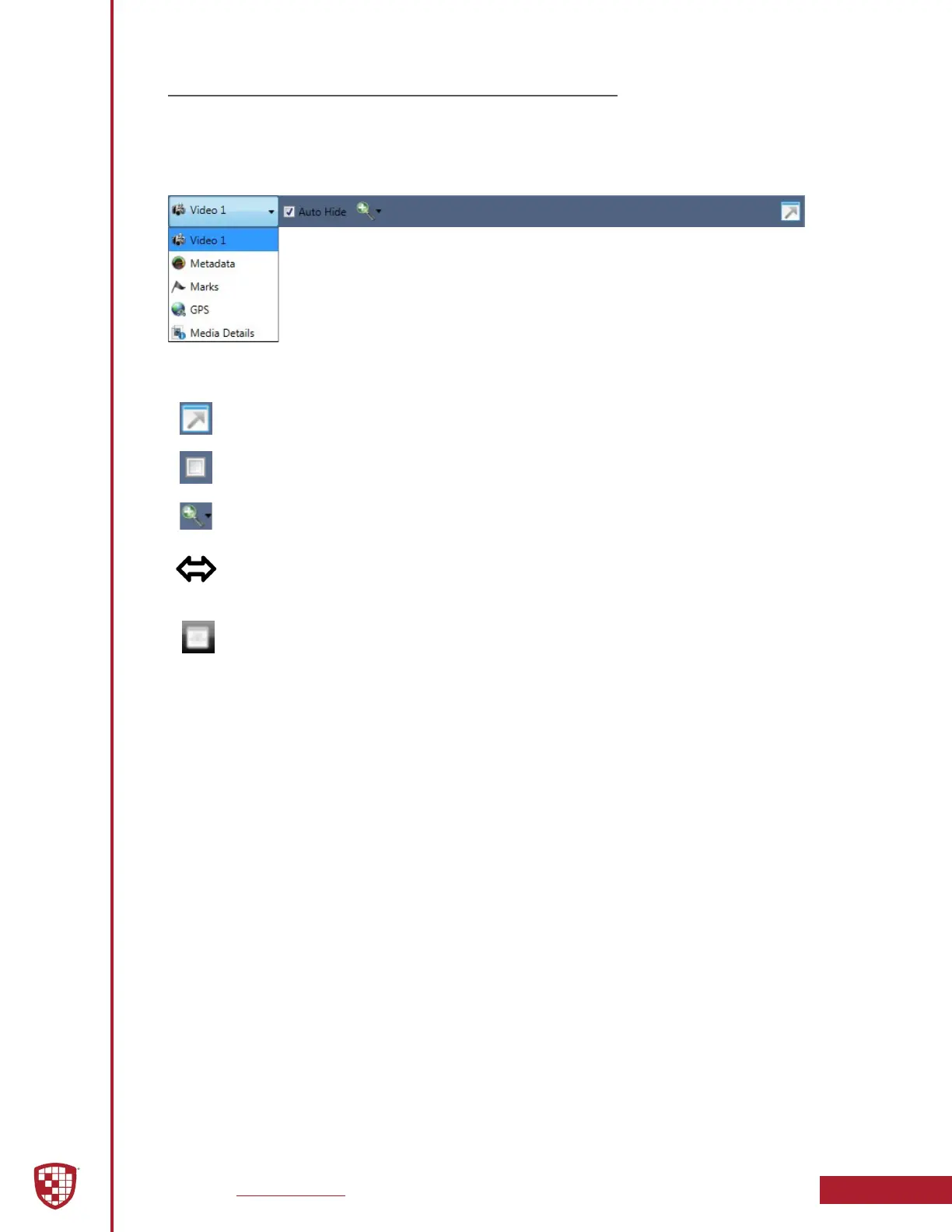
The View Selection drop down box allows you to select the information that is displayed
in each window such as Video 1, Marks, and Media Details. Hover the mouse cursor on
the top of each window to display the following drop down bar. Then click the window
heading to display the View Selection drop down box.
Full Screen View: Click on the Full Screen icon or Double Click in the window
to display full screen.
Auto Hide Window: Click this icon box to display or hide the view selection
options.
Video Zoom Window: The video zoom level can be changed by using the
slider bar.
Window Size Adjustment: You may increase or decrease the size of each
eld by hovering your mouse on the vertical divider between the two display
windows.
Select Screen Layout: Select this button located on the bottom of the screen
next to the playback controls to customize your view from a list of preset
layouts.
Additional Controls


 To Next Page