Digital Ally, Inc. | Status Indicators
7-1
FirstVu HD Operation Guide | 860-00177-00 Rev J
Go Back To Table of Contents
Camera DVR DVR
DVR
VIBRATE
Power & Record
Powering ON Alternating Flash 1 Pulse
Event Recording On
Pulse
(Frequency
Congurable)
Standby or Standby Pre-Event
Memory Alerts
15 Minutes Remaining
1 Flash/
5 Seconds
1 Pulse /
5 Seconds
Battery Alerts
15% Charge Remaining
2 Flashes/
5 Seconds
2 Pulses /
5 Seconds
Charge in Progress* Flash
Charging Complete* On
Data Transfer
Transfer in Progress Flash
Transfer Complete On
Error
3 Flashes / 5 Seconds
3 Pulses /
5 Seconds
VuLink
Connected to VuLink
®
VuLink
®
will display a ashing LED when searching for
your FirstVu HD, and display a solid yellow LED when
connected to your FirstVu HD.
*The unit may be charged via USB cable with the power switch in the OFF position.
However, no LED indicators will be active while it is charging.
When in a Data Transfer stage, wireless communications with VuLink
®
are
automatically disabled. This prevents an accidental recording while docked.
Section 7
Status Indicators
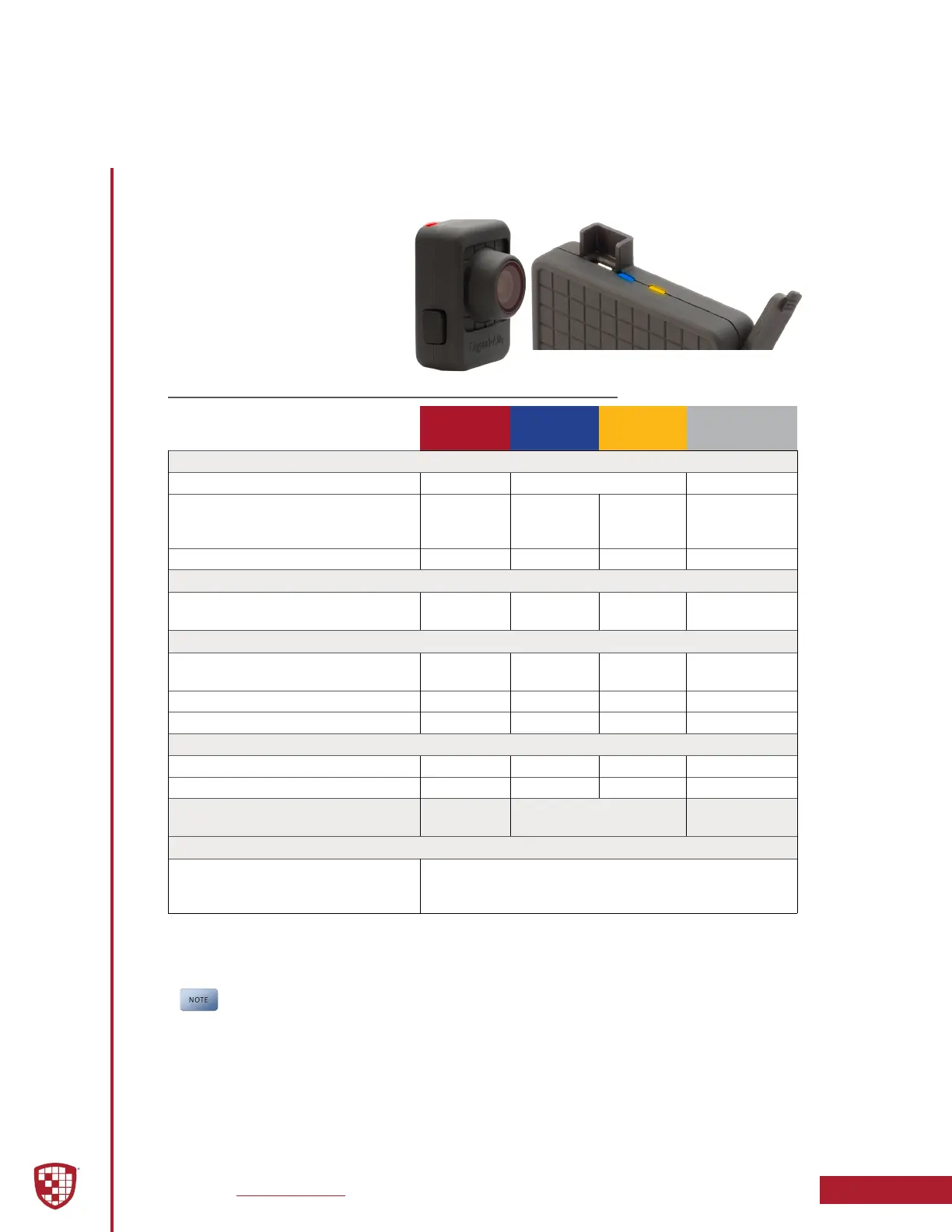
LED Status indicators and
vibration pulses are used to
indicate the operational status of
the FirstVu HD.
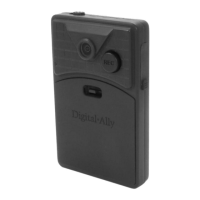
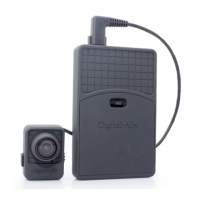
The status indicators are located
on the top of the camera and the
DVR.
7.1 Normal Mode


 To Next Page