Installing and Removing the Flash RAM Card 3-3
Installing the Flash RAM Card in the DECserver
Installing the Flash RAM Card in the DECserver
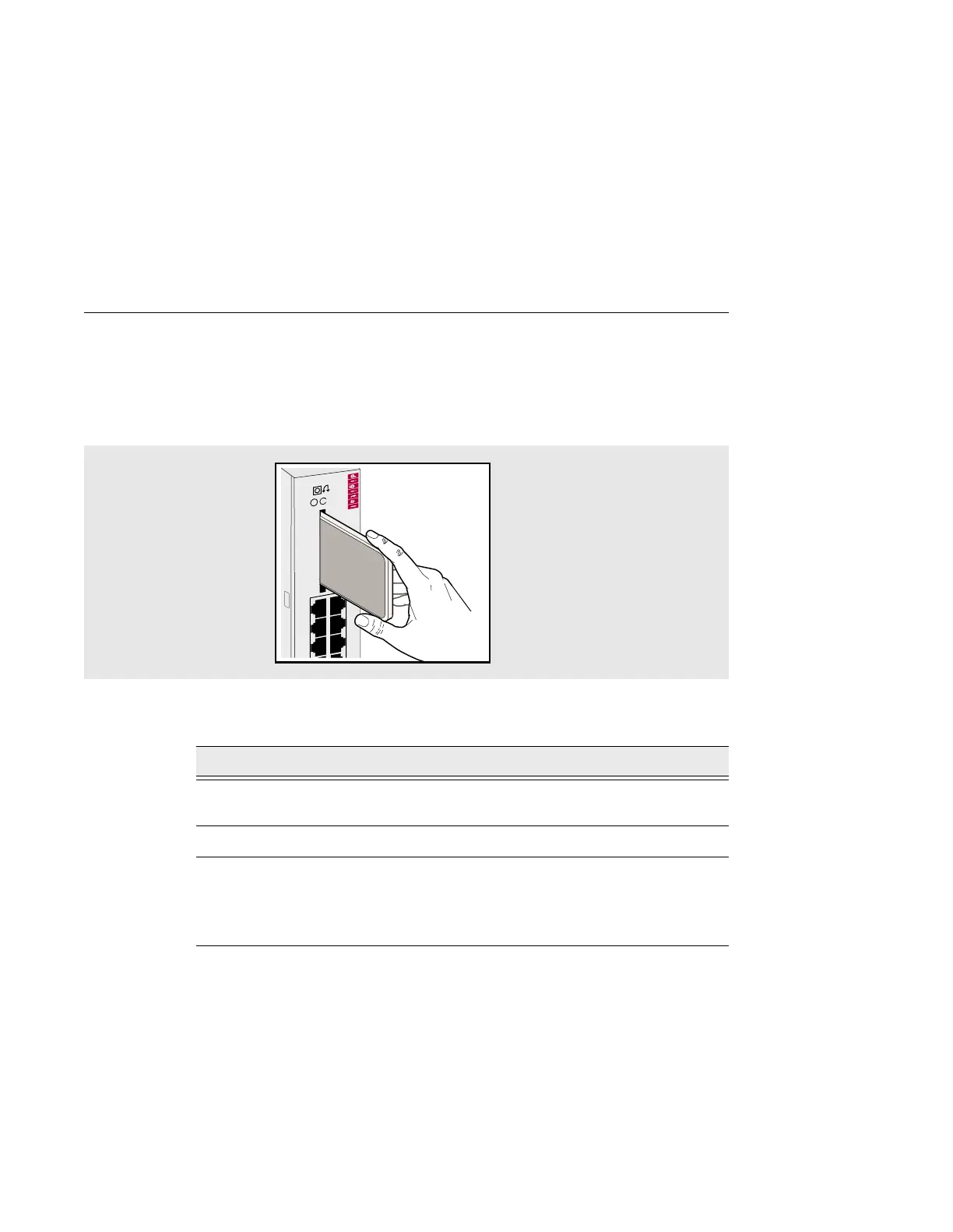
Figure 3-1 shows the Flash RAM card being inserted into the DECserver. Table 3-1
describes how to insert the Flash RAM card.
Figure 3-1: Flash RAM Card Installation
Table 3-1: Flash RAM Card Installation Procedures
Step Action
1 Insert the Flash RAM card into the Flash RAM slot located on the front
of the DECserver.
2 The write protect switch should be on the right side.
3 When the Flash RAM card protrudes from the front panel about 1/4
inch, it is properly inserted.
After you load the DECserver software, the card may be left in place or
removed.
35
DECserver 732
246
135



 To Next Page