Connecting and Removing Cables and Adapters 5-13
Removing the Cables
Removing the Ethernet AUI Adapters
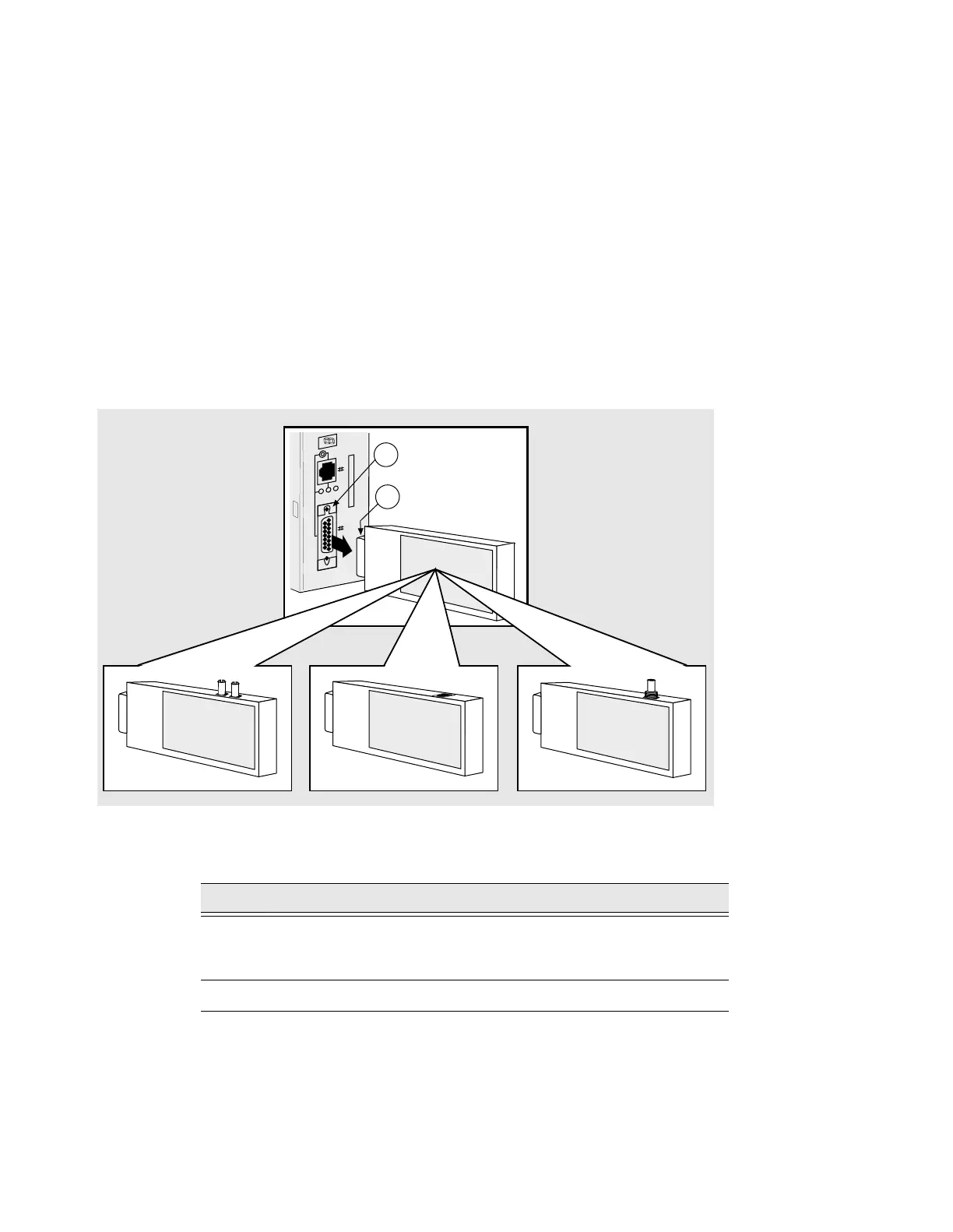
Figure 5-11 shows how to remove a 15-Pin AUI adapter from the AUI port on the
DECserver.
Figure 5-11: Removing the AUI Adapters
To remove the adapters, complete the following steps:
Step Action
1 Slide the locking tab (2) up (if the server is in the vertical position) or to
the left (if the server is in the horizontal position) to unlock the AUI
adapter.
2 Pull the AUI adapter (1) straight-out from the AUI port (2).
3505-27
LNK
1
2



 To Next Page