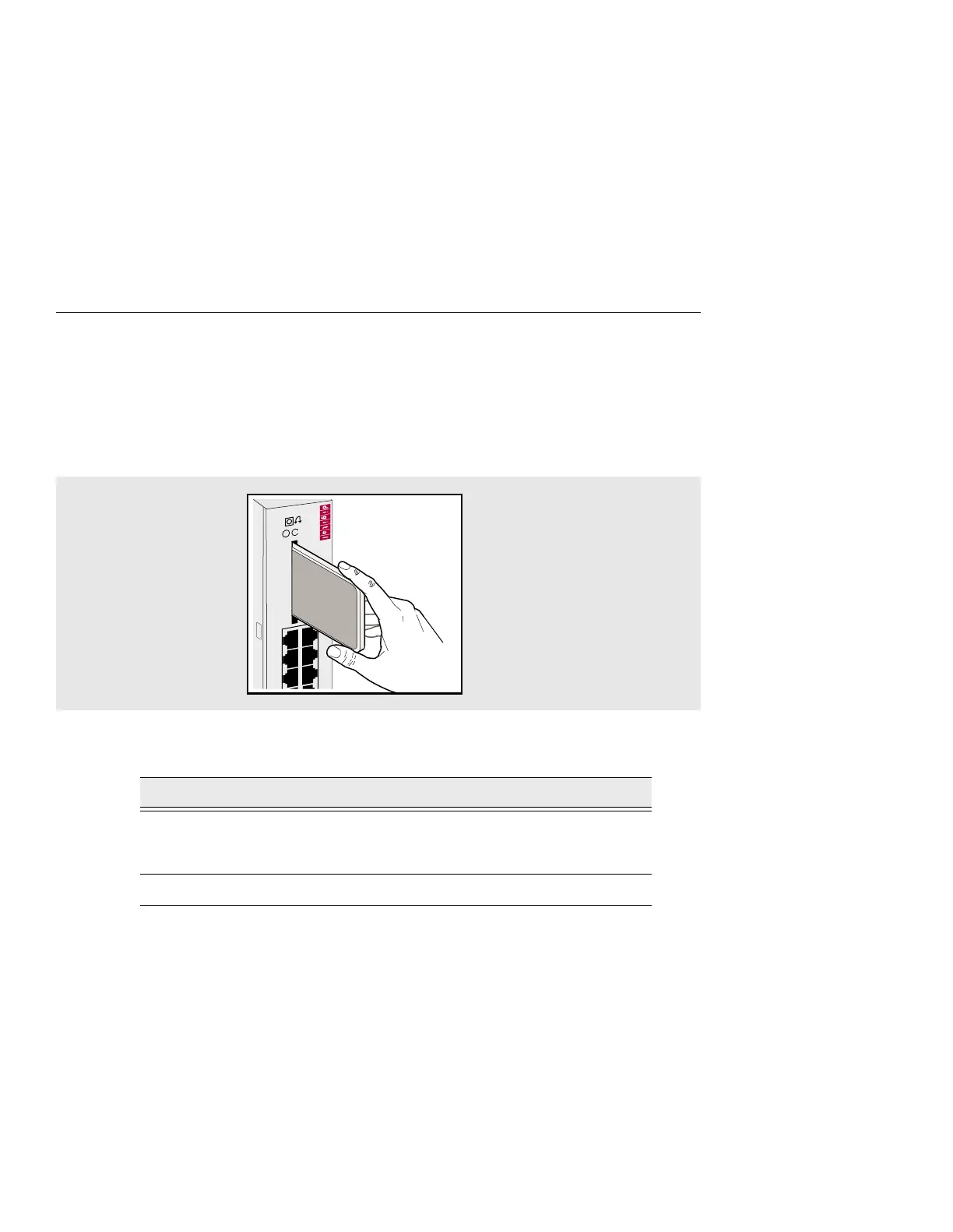
Removing the Flash RAM Card from the DECserver
3-4 Installing and Removing the Flash RAM Card
Removing the Flash RAM Card from the DECserver
The Flash RAM card can be hot swapped and may be removed at anytime.
Figure 3-2 shows the Flash RAM card being removed from the DECserver. Table 3-2
describes how to remove the Flash RAM card.
Figure 3-2: Flash RAM Card Removal
Table 3-2: Flash RAM Card Removal Procedures
Step Action
1 The Flash RAM card protrudes from the front panel about 1/4 inch.
Grasp the sides of the Flash RAM card and remove the card from the
slot on the front of the DECserver.
2 Place the Flash RAM card in a safe location.
35
DECserver 732
246
135



 To Next Page