SYSTEM 3000 to 3505 CONVERSION MANUAL
DIGITIZE, INC. 700254-0001 REV B 02/04
Specifications Subject to Change Without Notice
1-2
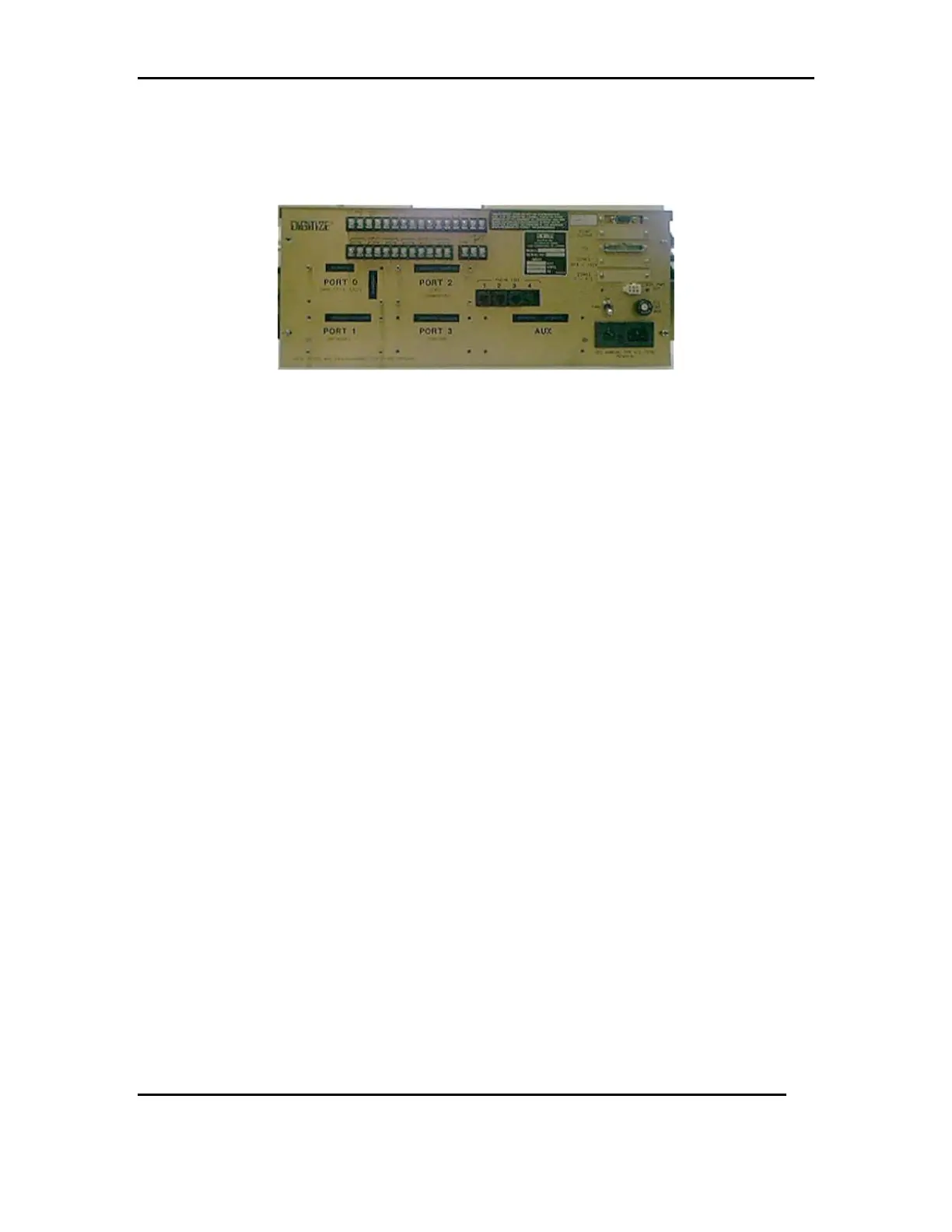
Remove all optional configuration cards, mounting hardware and power plug. (Refer to
FIG2). Note which Port # each configuration card was in. Save the hardware to re-install
configuration cards on the new rear panel, Step 3.8.3.
FIG 2



 To Next Page