SYSTEM 3000 to 3505 CONVERSION MANUAL
DIGITIZE, INC. 700254-0001 REV B 02/04
Specifications Subject to Change Without Notice
3-4
FIG 2a
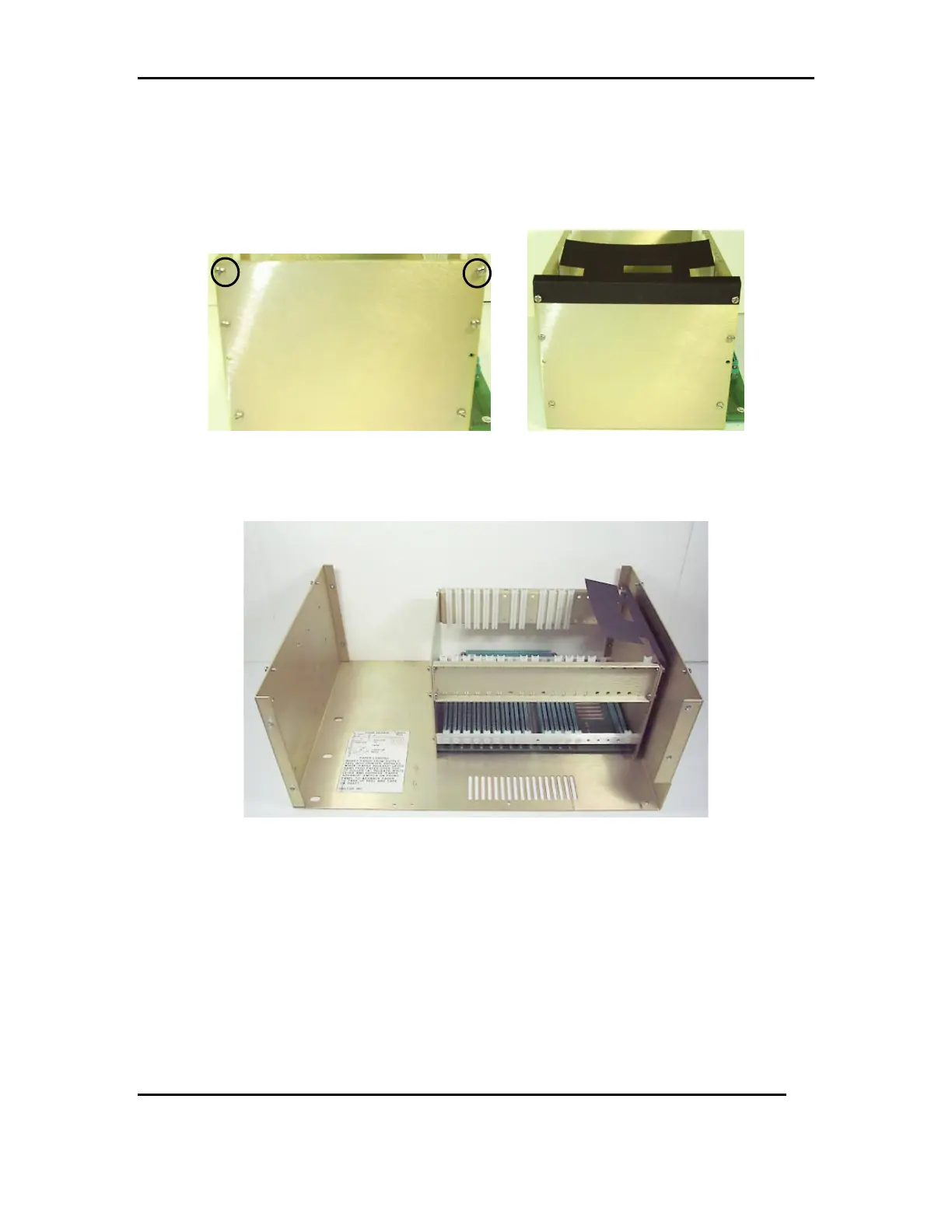
3.3.2 Remove the top 2 pan head screws and washers from the PWR side of the
card cage. Attach the protective fish paper to the card cage using the 2
pan head screws and washers. See FIG 2b & 2c
FIG 2b FIG 2c
3.3.3 Re-install the card cage to the chassis using the original 4 flat head screws.
See FIG 2d
FIG 2d
3.4 PRINTER SLIDE AND THE 3505 FRONT PANEL ASSEMBLY.
3.4.1 Place the slide assembly in side the chassis, checking for any gaps
between the front of the chasse and the rails. If a gap is present, then use
#8 flat washers between the chassis and the rails. Put the new 3505 front
panel in place but do not attach. See FIG 3a & 3b



 To Next Page