©2007 Digitrax, Inc www.digitrax.com 17
begins to blink quickly. You are now ready to set up a Route.
2. To program the DS64 Route Number, use your DCC throttle in Switch mode
to select a Switch Address from 1 through 8 and issue a Closed or Thrown
command. This lets the DS64 know which of the 8 available routes you are
2
2
4
4
4
4
3
3
T
T
r
r
a
a
n
n
s
s
m
m
i
i
t
t
t
t
e
e
r
r
R
R
d
d
T
T
8
8
5
5
0
0
-
-
8
8
7
7
2
2
-
-
9
9
8
8
9
9
0
0
P
P
a
a
n
n
a
a
m
m
a
a
C
C
i
i
t
t
y
y
,
,
F
F
L
L
U
U
S
S
A
A
3
3
2
2
4
4
0
0
4
4
F
F
8
8
5
5
0
0
-
-
8
8
7
7
2
2
-
-
9
9
5
5
5
5
7
7
w
w
w
w
w
w
.
.
d
d
i
i
g
g
i
i
t
t
r
r
a
a
x
x
.
.
c
c
o
o
m
m
E
E
s
s
a
a
l
l
e
e
s
s
@
@
d
d
i
i
g
g
i
i
t
t
r
r
a
a
x
x
.
.
c
c
o
o
m
m
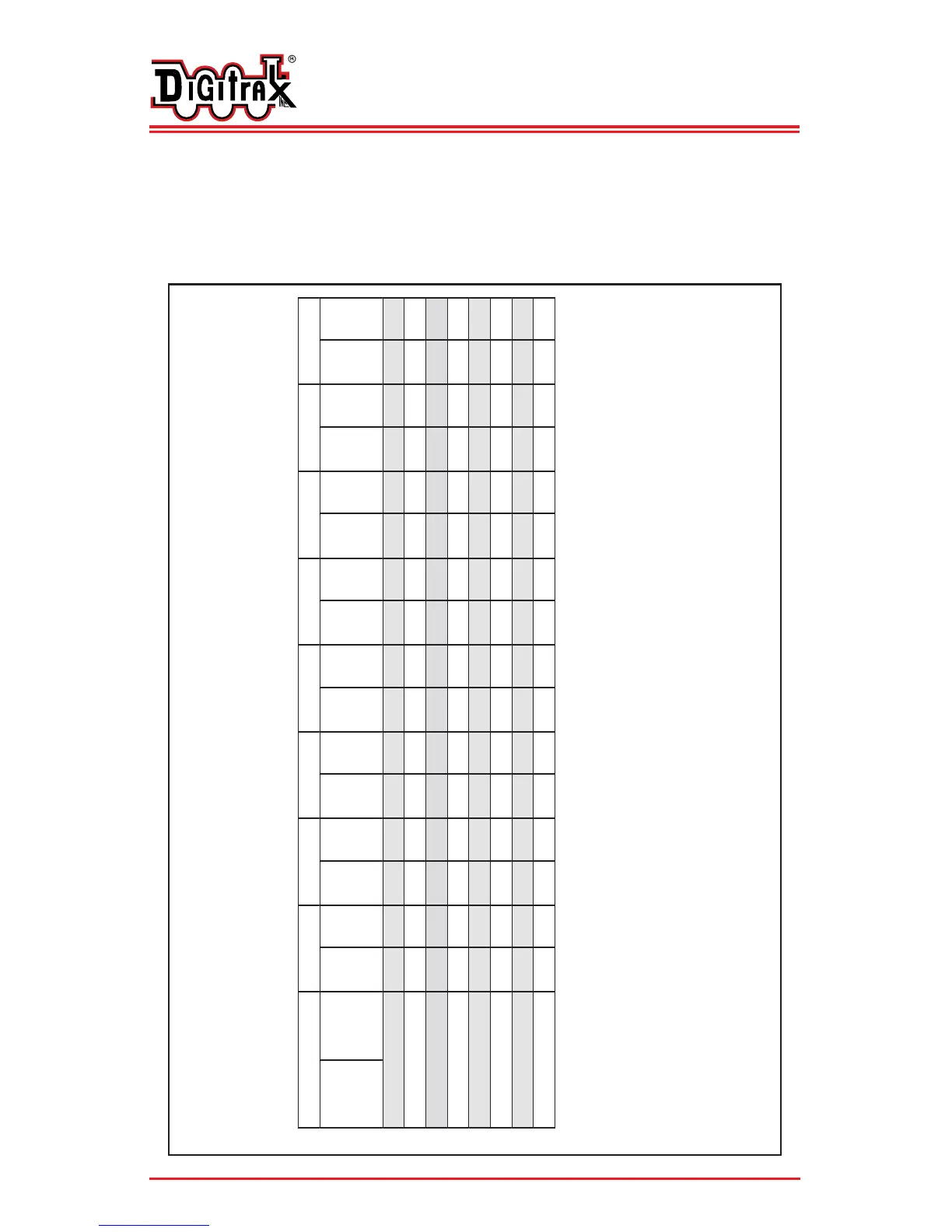
DS64 Route Table
DS64 Route Numbers 1-8
*This is the top address that controls operation of the route. It can be a actual switch address or a virtual switch
address. Using a virtual switch address lets you make routes independent of actual switch addresses. Using virtual
switch addresses limits actual turnouts that can be included in any route to 7. The route will operate only when the
Switch address and position set up as the top address are e sent as a command. If the switch address and the opposite
turnout position are sent as a command, only this turnout will operate to the position commanded.


 To Next Page