TROUBLESHOOTING
22
TROUBLESHOOTING
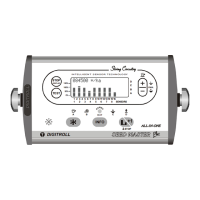
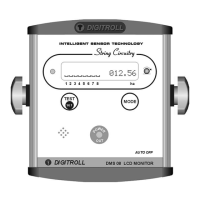
THE MONITOR DOES NOT FUNCTIONING, NO LIGHTS ON
DISPLAY
• The monitor does not receive 12 VCD power supply (min. 8,5V)
• Wrong polaritiy battery lead connection
• Missed to switch ON button on the back side of monitor
• Defected main switch or electronic part
There is an auto-reset fuse built in the monitor, so it is unnecessary to dismount
monitor to replace fuse. Let official service repair it.
THE MONITOR WORKS BUT “POWER OUT” LED DOES NOT
LIGHTS OR IT BLINKS
This LED indicates power supply and get off when overloaded.
Signs: LED lights ® normal function
LED blinks ® partial overload
LED off ® total external short circuit
Probe: Disconnect modules from monitor:
• If LED lights (after a short pause) - external short circuit
• If LED remains dark - the monitor is defec
Possible reasons of external short circuit:
• Cable pinch-in :
Troubleshooting: systematically disconnect modules started from
monitor side. If LED lights, connect again (no problem with cable
until this point) and disconnect next connector until you find short
circuit area.
• Defected seed module:
Troubleshooting: by doing the same disconnection process you can
find the defected unit that caused short circuit. The presence of power
supply in seed modules is also indicated by built-in LEDs.



 To Next Page