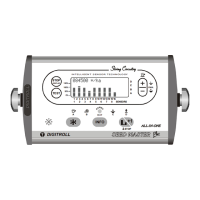
SETTING BASIC DATA
10
SETTING BASIC DATA
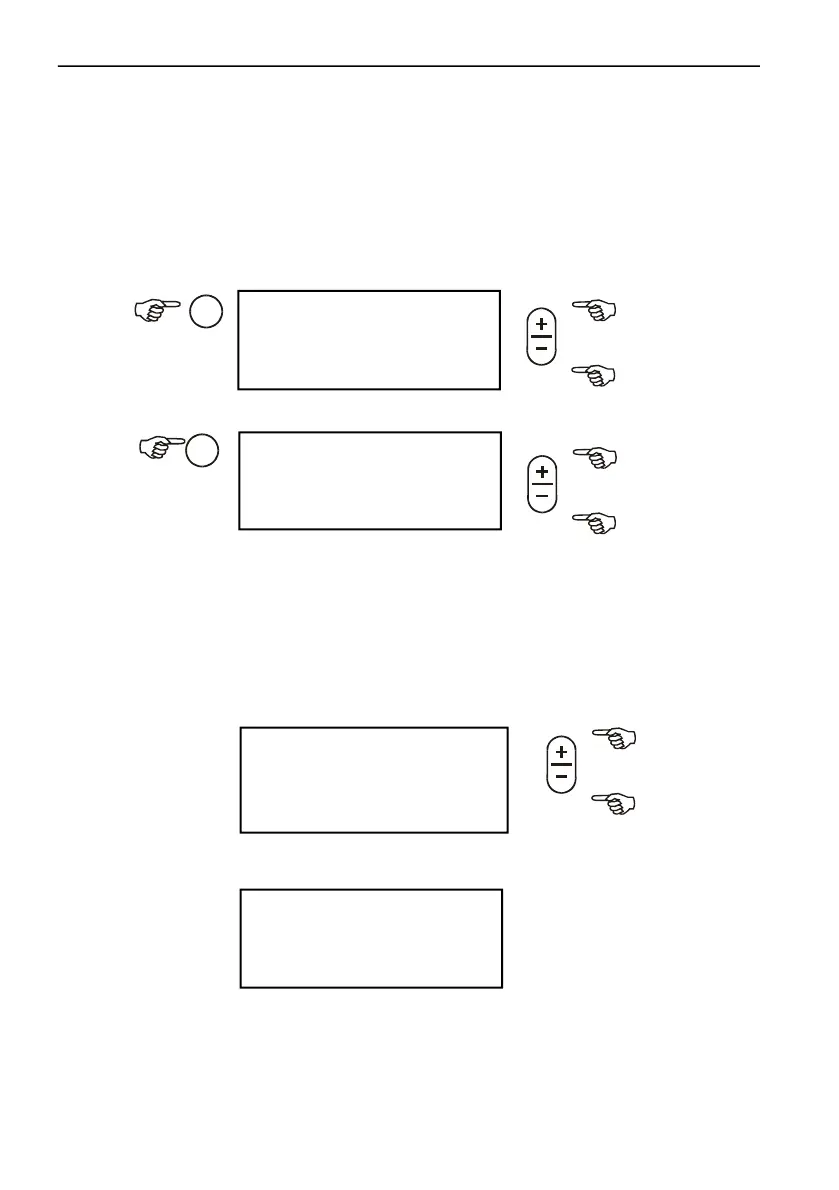
SETTING OPTIMAL SEED SPACING
Two options are available:
Normal
One spacing value can be entered.
Hybrid
Select hybrid spacing when seed spacings are not desired to be the same in all
rows. The monitor program gives here the option to set individual spacing
value for each row.
Spacing value can be set directly after switch on, too.
SHORTFALL ALARM LENGTH SETTING
In case of blockage or shortfall the alarm sounds till adjusted length.
<Normal >
J f?e~ 20.0 cm
TU<J * * *
J >
Adjustment between 3,0 - 45,0 cm
<Hybrid >
f?e ~ 20.0 cm
1. * *
<BGBBBBBBBBCCCCCC >
2.00 sec
*********** ****
BBBBBBBBBBBBBBBB



 To Next Page