SETTING BASIC DATA
11
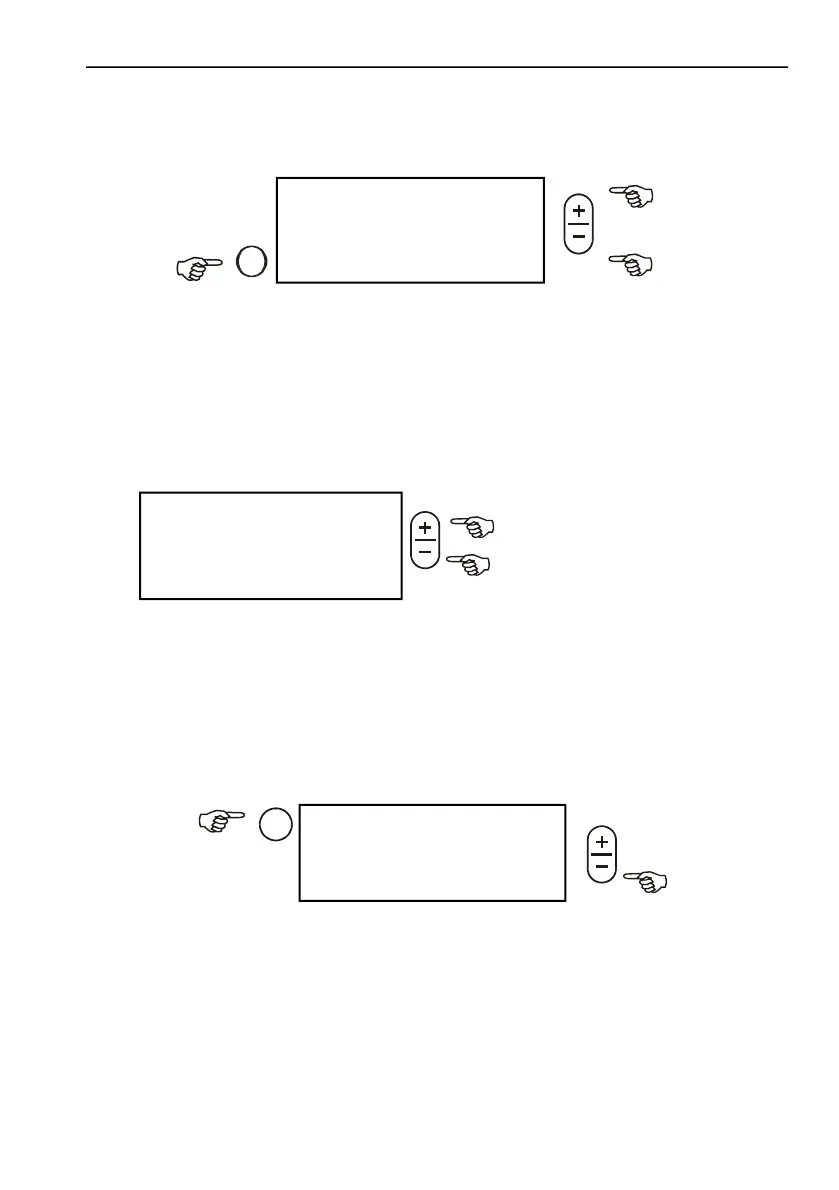
SETTING MIN. AND MAX. LIMITS FOR POPULATION
CONTROL
c Maximum limit: alarms when population get over set value.
d Minimum limit: alarms when population get under set value.
Disable audible alarm: c 151%
d 0%
SELECTION OF SEED SIZE AND SHAPE
In order to reach more precise seed detection when using DS 2000 seed
sonsors, main seed characteristics like size and shape must be entered. It
brings more efficiency in recognition of double or triple seed drops.
Changes made in this menu are followed by a system test.
EDITING ROW SKIP
In case rows equipped with seed sensors are temporarily not in use, continuous
alarm can be embarrasing. To eliminate this problem, switch off control in that
row.
After system test all connected sensors are displayed (regardless of being
switched on or off).
a RS >
e120%c 90000 */ha
100%= 75000 */ha
< 80%d 60000 */ha>
Selection of seed shape
(round or long)
DS2000 *: 6-9mm>
DS2000/HR
DS2000/HR *: o >
Selection of seed size
(3-5 / 6-9 mm)



 To Next Page