SYSTEM TEST
8
SYSTEM TEST
The system test is executed:
• every switch on,
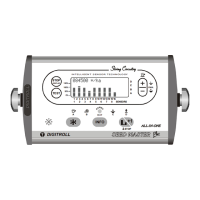
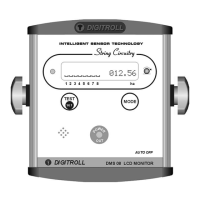
• by pressed button on screen of any seed control mode
• automatically by change settings of seed sensors.
During test process the monitor detects:
• which modules are connected to the system (seed sensors, speed
module),
• what is the readiness for operation of connected seed sensors
(operability, dust level check),
• Sends data to adjustable modules (DS2000).
Having the test finished, the ‘found’ modules are presented on display:
After seed sensor test the seed blockage control screen appears. After simply
switch on, the monitor is ready to control seeding blockage! This function is
available without entering any date. See detailed description at the CONTROL OF
SEEDING BLOCKAGE.
B Operating sensor
N dusty sensor
x seeding blockage
TEST function may be used when there is
no seeding in progress!



 To Next Page