9
Step 7: Wi-Fi Network Security Key / Password
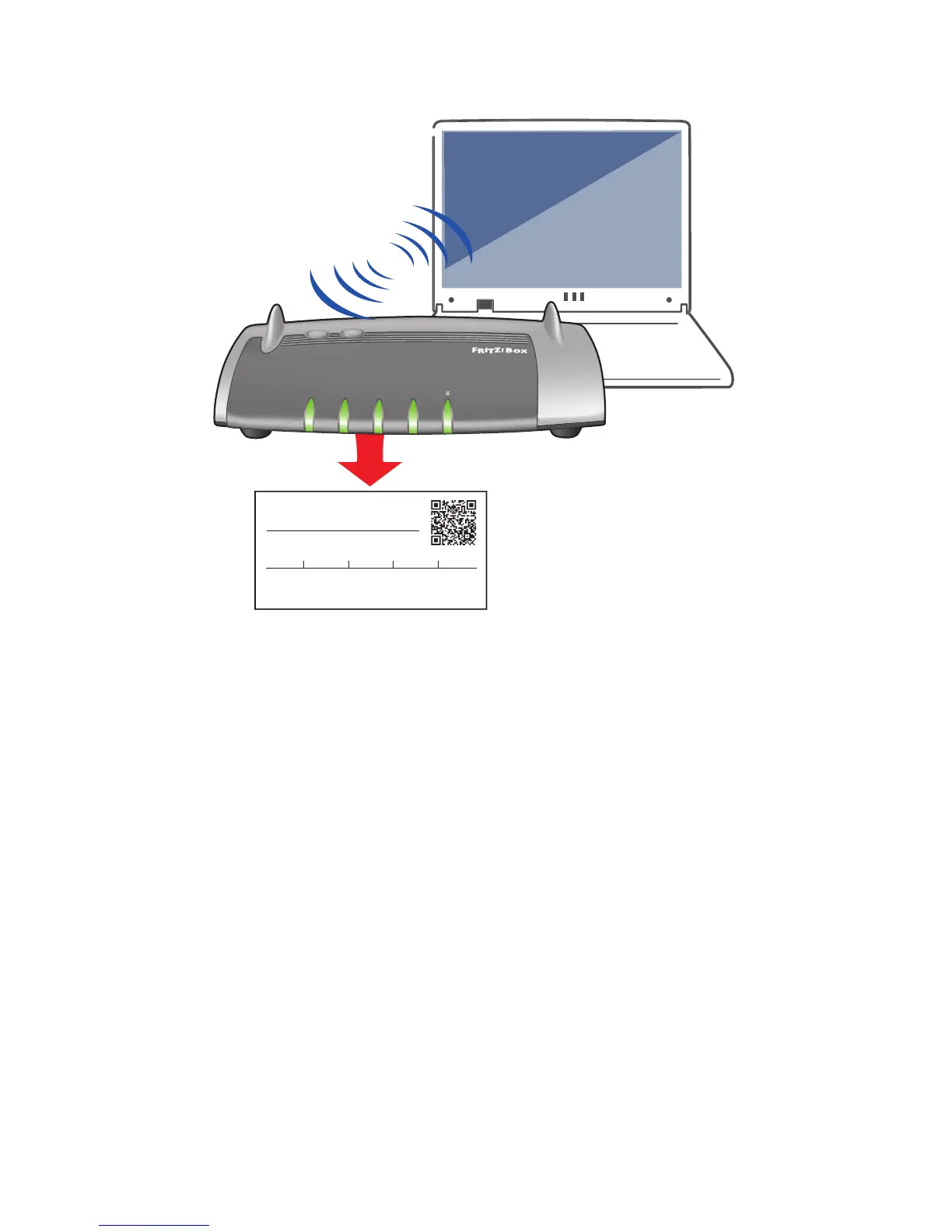
• Enterthe“WLANNetworkKey(WPA2)”intothe“Securitykey”or
“password” field on your device screen from Step 6.
Youcanlocateyourunique“WLANNetworkKey”onthesticker
attached to the base of the Fritz!Box.
• Clickconnect.
All done. You should now be connected. Enjoy your Digiweb broadband.
Please note:
• TheWLANNetworkKey“12345678987654321234”shownintheexample
above is for illustration purposes only.
• TheFritz!Boxpassword“zigzag5481”shownintheexampleaboveisfor
illustrationpurposesonly.ItisNOTyourWi-Fipassword/key.
See page 11 and page 14 for Fritz!Box password use.
WLAN Network Key (WPA2)
WLAN Network (SSID)
FRITZ!Box 7430 ON
FRITZ!Box password
zigzag5481
WLAN
Wi-Fi
Info
TCED
Fon
WLAN
Power/DSL
WLAN
DECT
W
P
S
1234 5678 9876 5432 1234


 To Next Page