USA
page 48
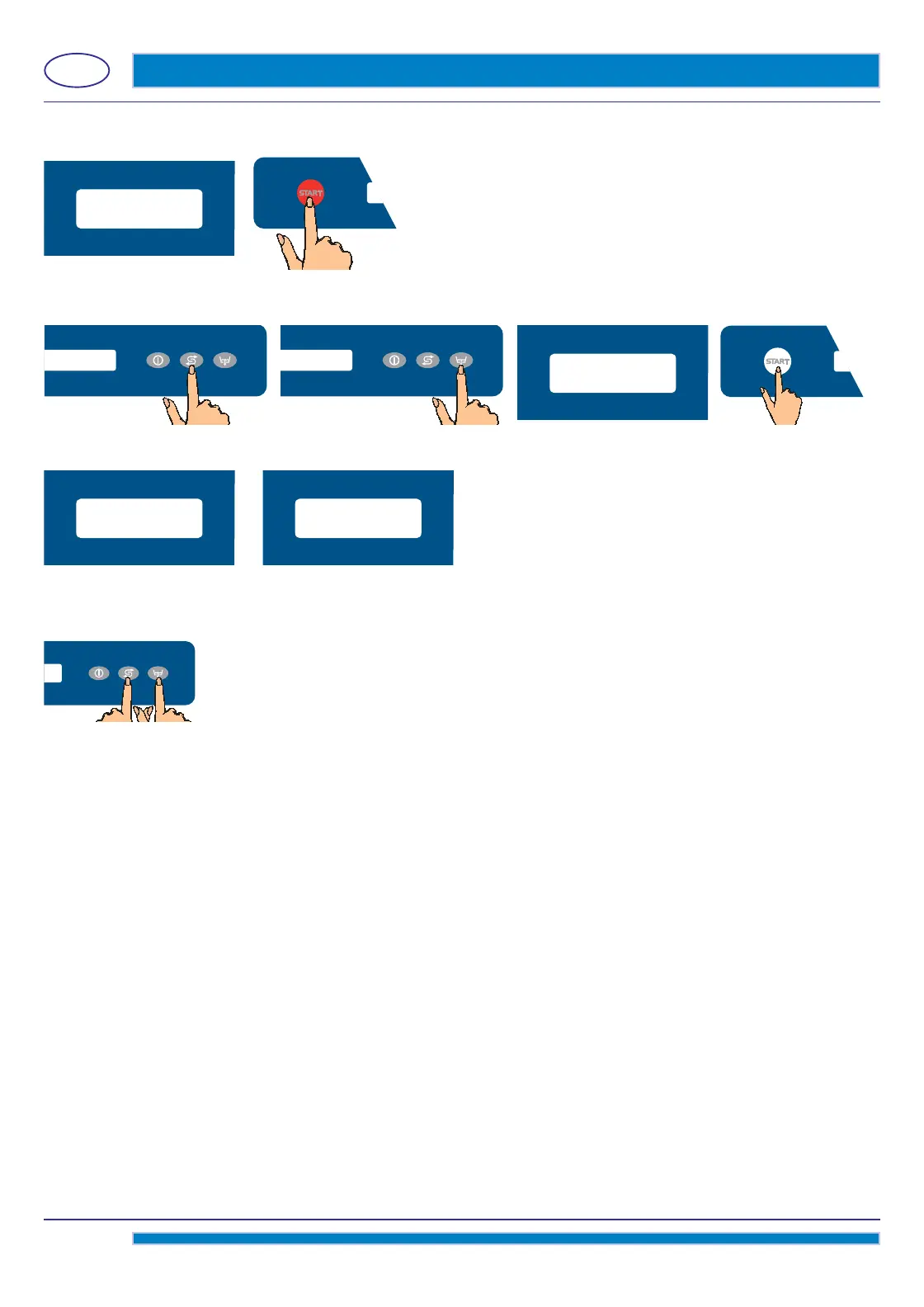
The key Start A will remain red and keep fl ashing till the end of the programming.
By using the keys D (decrease) and E (increase), insert the factory bar-code of the machine.
Confi
rm the selection by pressing the Start A key.
Then the display will show the text: LANGUAGE.
If the machine is equipped with the optional W
ater Softner, the display will afterwards show the text: WATER HARDNESS.
The value of the water hardness is indicated in French degrees.
At the end of the programming, the machine will enter in Stand-by mode.
It is possible to reprogram or initialize again the circuit board.
T
o modify the parameter FACTORY CODE:
With the machine in Stand-by, keep pressed for some seconds (about 9") both the key D and the
key E.
The circuit board will reset and a new request for the FACTORY CODE will appear.
ATTENTION! When resetting the circuit board, all “menu 15” parameters will be canceled as well.
factory code
X
^
^
^
^
LANGUAGE WATER HARDNESS



 To Next Page