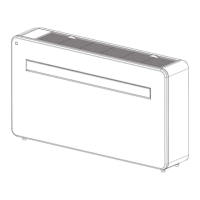
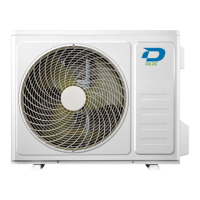
3.1 How to operate your unit without the remote control
In the event that your remote control fals to work, your unt can be operated manually wth the
MANUAL CONTROL button located on the ndoor unt. Note that manual operaton s not a long-term
soluton, and that operatng the unt wth your remote control s strongly recommended.
Before manual operation
Unt must be turned off before manual operaton.
To operate your unt manually:
1. Open the front panel of the ndoor unt.
2. Locate the MANUAL CONTROL button on the rght-hand sde of the unt.
3. Press the MANUAL CONTROL button one tme to actvate FORCED AUTO mode.
4. Press the MANUAL CONTROL button agan to actvate FORCED COOLING mode.
5. Press the MANUAL CONTROL button a thrd tme to turn the unt off.
6. Close the front panel.
A
Warning
The manual button is intended for testing purposes and emergency operation only. Please
do not use this function unless the remote is lost and it is absolutely necessary. To restore
regular operation, use the remote control to activate the unit.
Manual control button
3 Manual operation (without remote)
Splt-type room ar condtoner / User Manual


 To Next Page