C
Safety precautions
If ANY of the followng condtons occurs, turn off your unt mmedately!
•The power cord s damaged or abnormally warm
•You smell a burnng odor
•The unt emts loud or abnormal sounds
•A power fuse blows or the crcut breaker frequently trps
•Water or other objects fall nto or out of the unt
Do not attempt to fix these yourself! Contact authorized service provider
immediately!
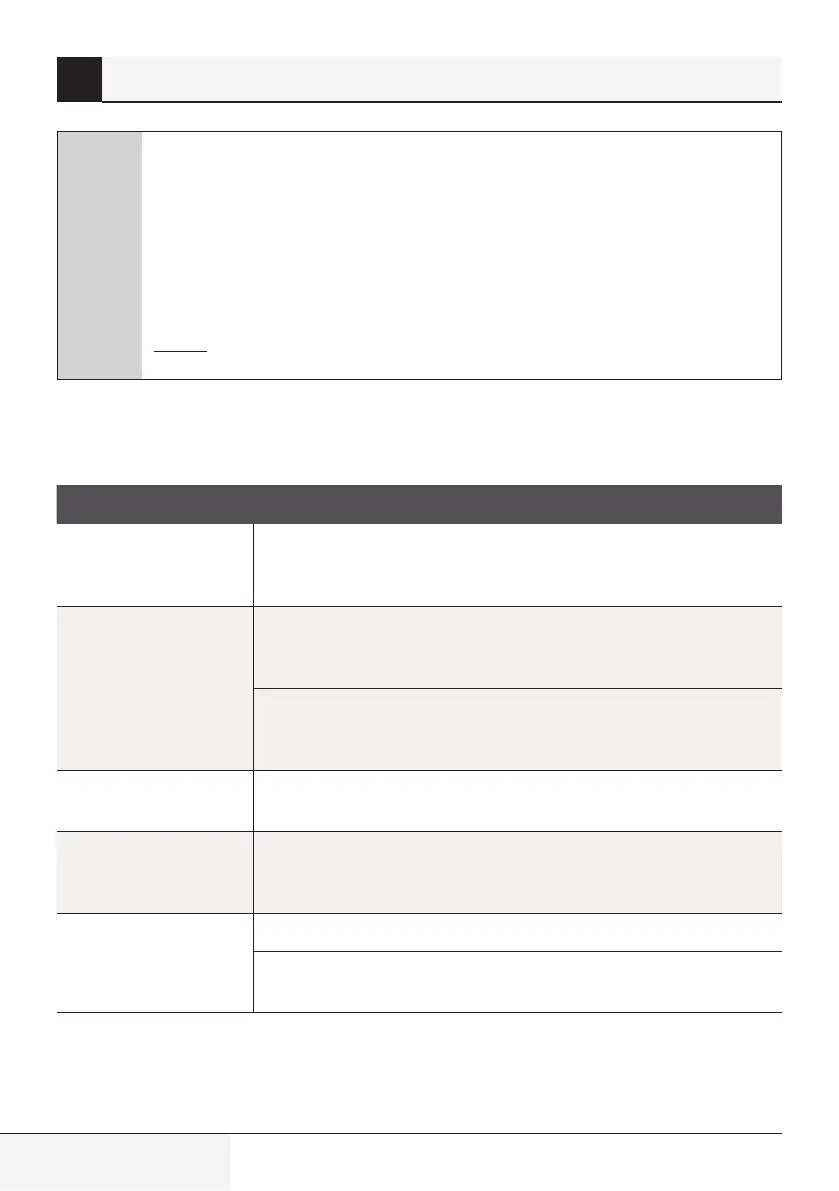
6.1 Common issues
The followng problems are not a malfuncton and n most stuatons wll not requre repars.
Issue Possible causes
Unit does not turn on
when pressing ON/
OFF button
The Unt has a 3-mnute protecton feature that prevents the unt from
overloadng. The unt cannot be restarted wthn three mnutes of beng
turned off.
The unit changes
from COOL/HEAT
mode to FAN mode
The unt may change ts settng to prevent frost from formng on the
unt. Once the temperature ncreases, the unt wll start operatng n the
prevously selected mode agan.
The set temperature has been reached, at whch pont the unt turns off
the compressor. The unt wll contnue operatng when the temperature
fluctuates agan.
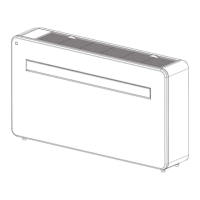
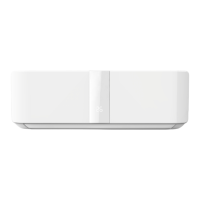
The indoor unit emits
white mist
In humd regons, a large temperature dfference between the room’s ar
and the condtoned ar can cause whte mst.
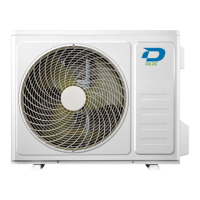
Both the indoor and
outdoor units emit
white mist
When the unt restarts n HEAT mode after defrostng, whte mst may
be emtted due to mosture generated from the defrostng process.
The indoor unit
makes noises
A rushng ar sound may occur when the louver resets ts poston.
A squeakng sound may occur after runnng the unt n HEAT mode due
to expanson and contracton of the unt’s plastc parts.
6 Troubleshooting
Splt-type room ar condtoner / User Manual


 To Next Page