page 17 of 56ANDIAMO 2.XT (SRC) Hardware Guide - Version 2.1
CHAPTER 3: Installation
To update the fi rmware an installed USB Serial driver (Windows) and the Update
Tool are necessary. The software and the installation instructions are available at
www.directout.eu.
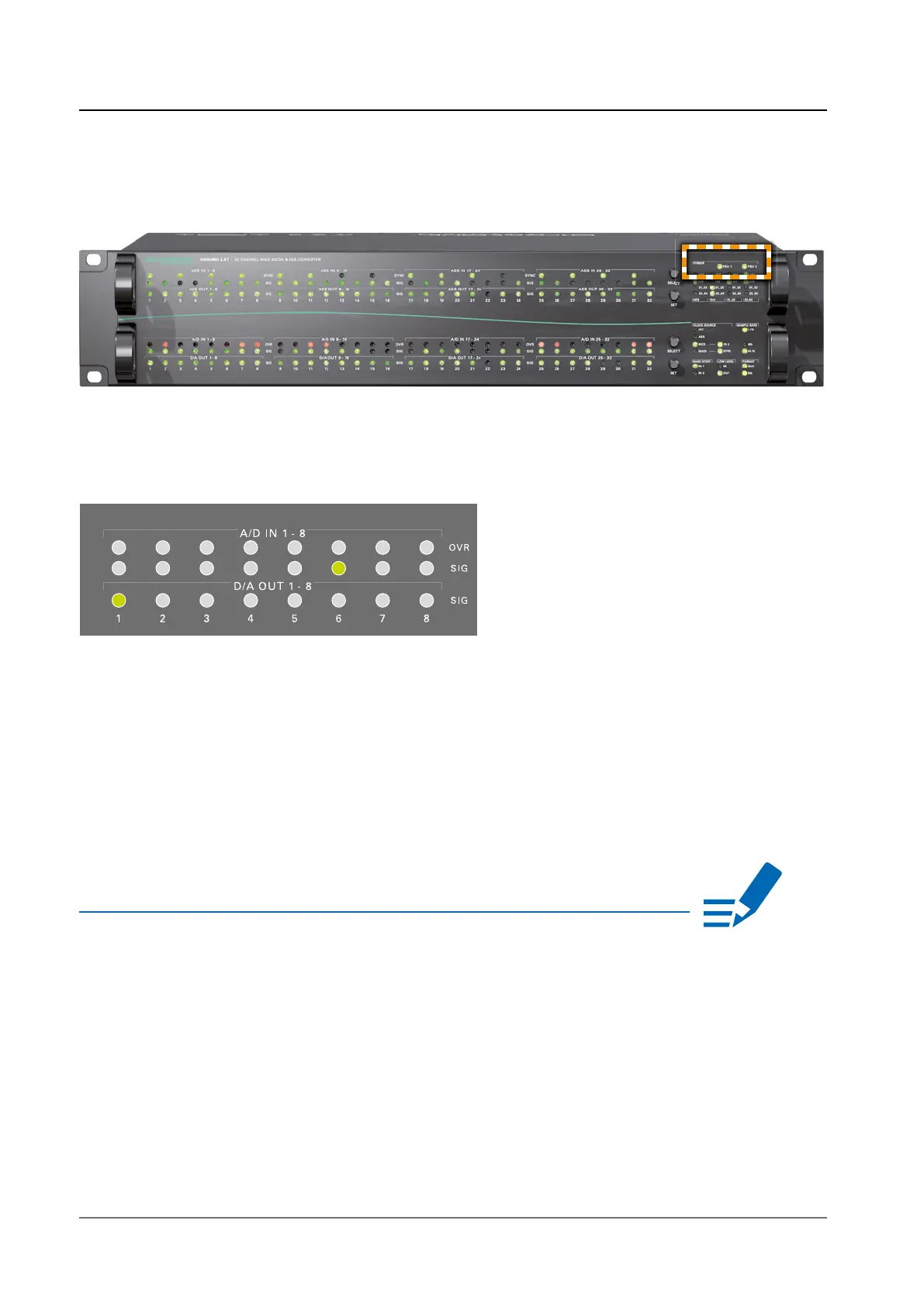
6. Turn on the power switch and check the status of PSUs on the front panel:
While the device is booting the currently installed fi rmware is indicated in the
display - e.g. fi rmware version 6.1.
7. Check if the latest fi rmware is installed on the device. It is recommended to
use the latest version that is available on the product page at
www.directout.eu.
8. Optional: Connect an USB cable to the USB port for fi rmware updates. This
requires the USB Serial driver (Windows®) being installed fi rst. The driver and
the installation instructions are available at www.directout.eu.
NOTE


 To Next Page