page 33 of 60EXBOX.MD Manual - Version 1.0
CHAPTER 4: Operation
01 (PoE) RJ45 socket (1 Gbit/s)
Network interface - connect here
for network transmission.
This port accepts a PoE source for
power supply - see page 28.
02 RJ45 socket (1 Gbit/s)
Network interface - connect here
for network transmission.
03 RJ45 socket (1 Gbit/s)
Network interface - connect here
for network transmission.
04 RJ45 socket (1 Gbit/s)
Network interface - connect here
for network transmission.
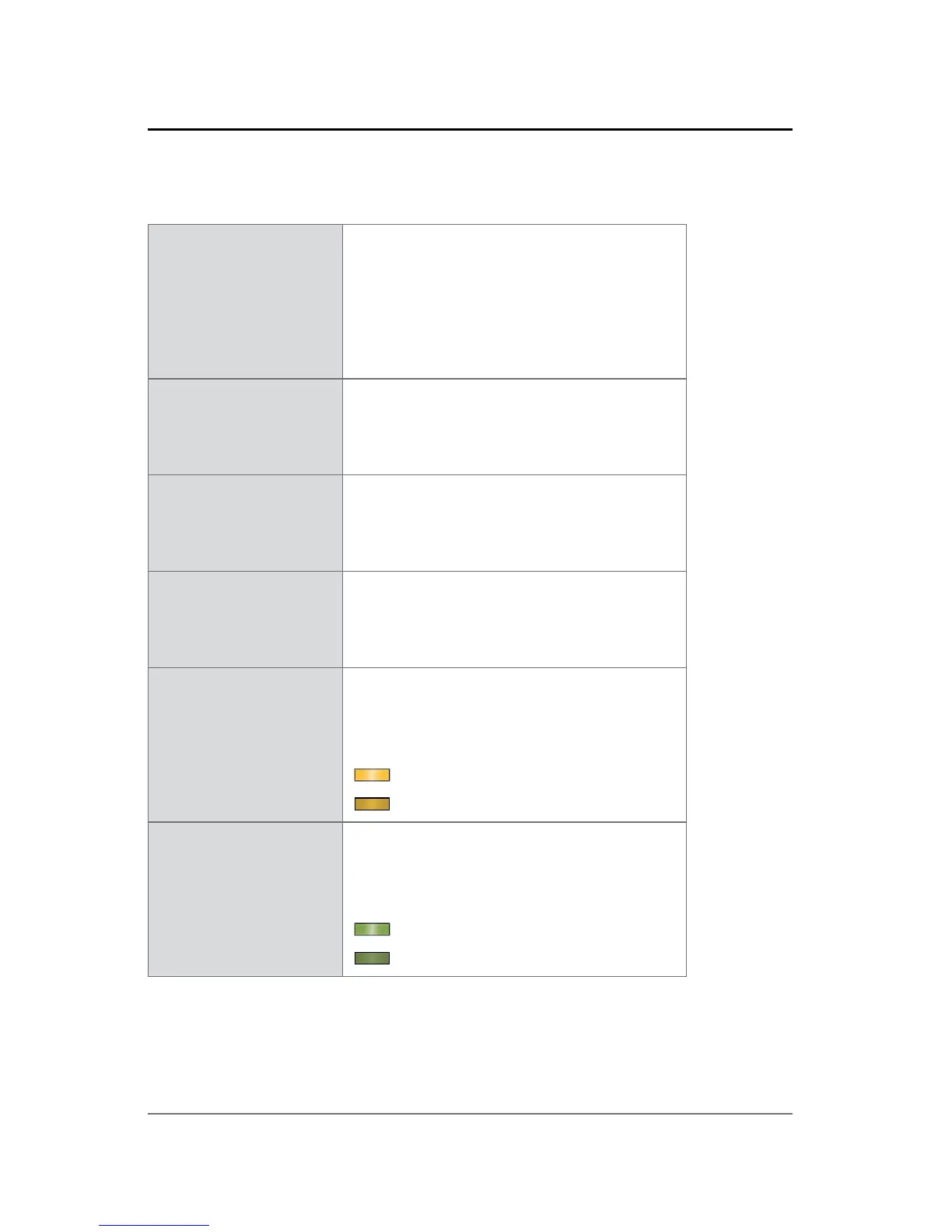
LED left
(Port 1 to 4)
LED orange - indicates the
link state of the network
connection*.
(ON) = device link active
(OFF) = device link not active
LED right
(Port 1 to 4)
LED green - indicates the
activity state of the network
connection.
(ON) = data sent or received
(OFF) = no data transmission
* Some possible reasons that lead to an inactive link:
• device switched off
• connected device switched off
• cabling issue



 To Next Page