page 46 of 60 EXBOX.MD Manual - Version 1.0
CHAPTER 5: Remote Control
EXBOX.MD Remote
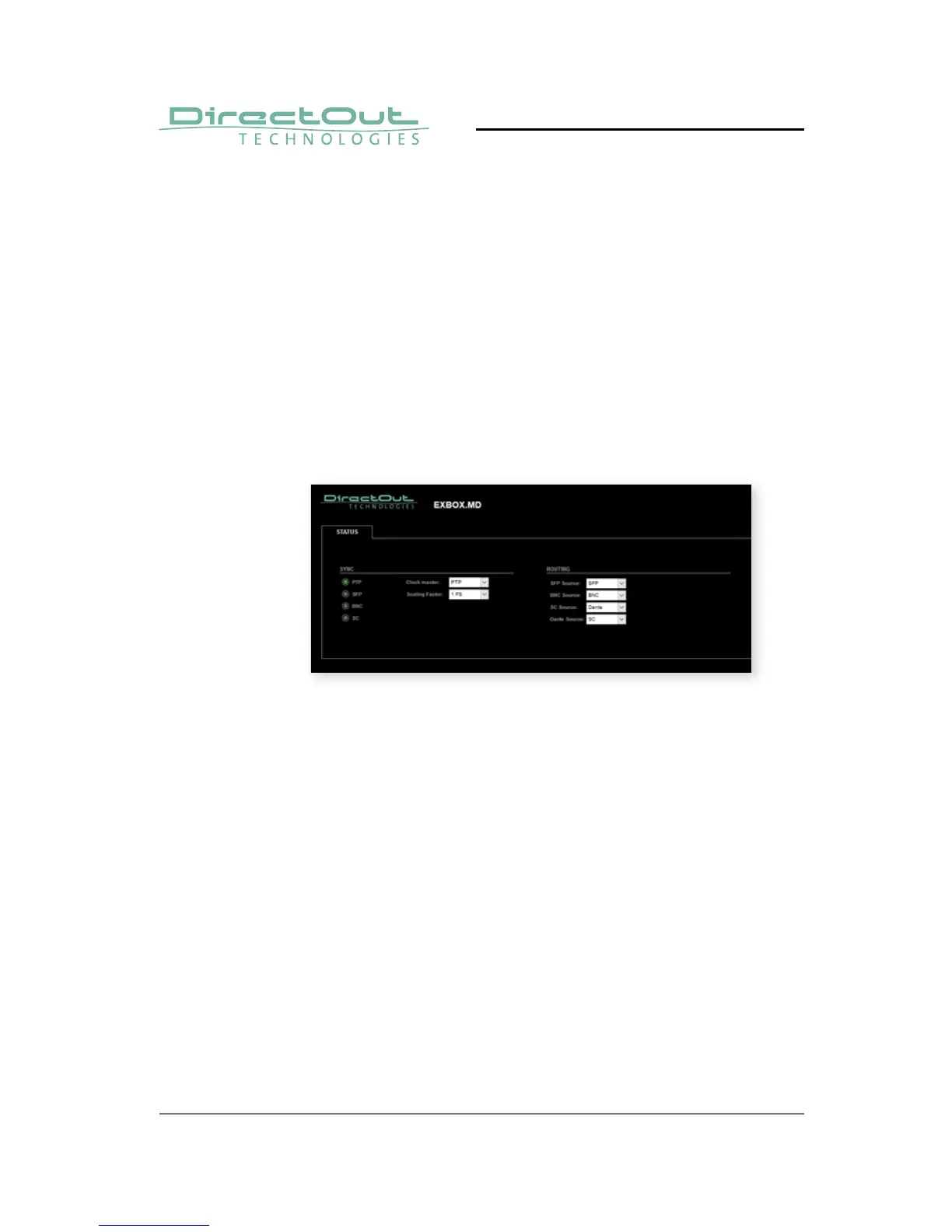
Some device specifi c parameters are controlled via a
website:
• Clock source
• Scaling factor of base sample rate
• Audio signal routing
The remote control is accessible via a browser. Enter
the device's IP address to open the gui.



 To Next Page