page 45 of 60EXBOX.MD Manual - Version 1.0
CHAPTER 5: Remote Control
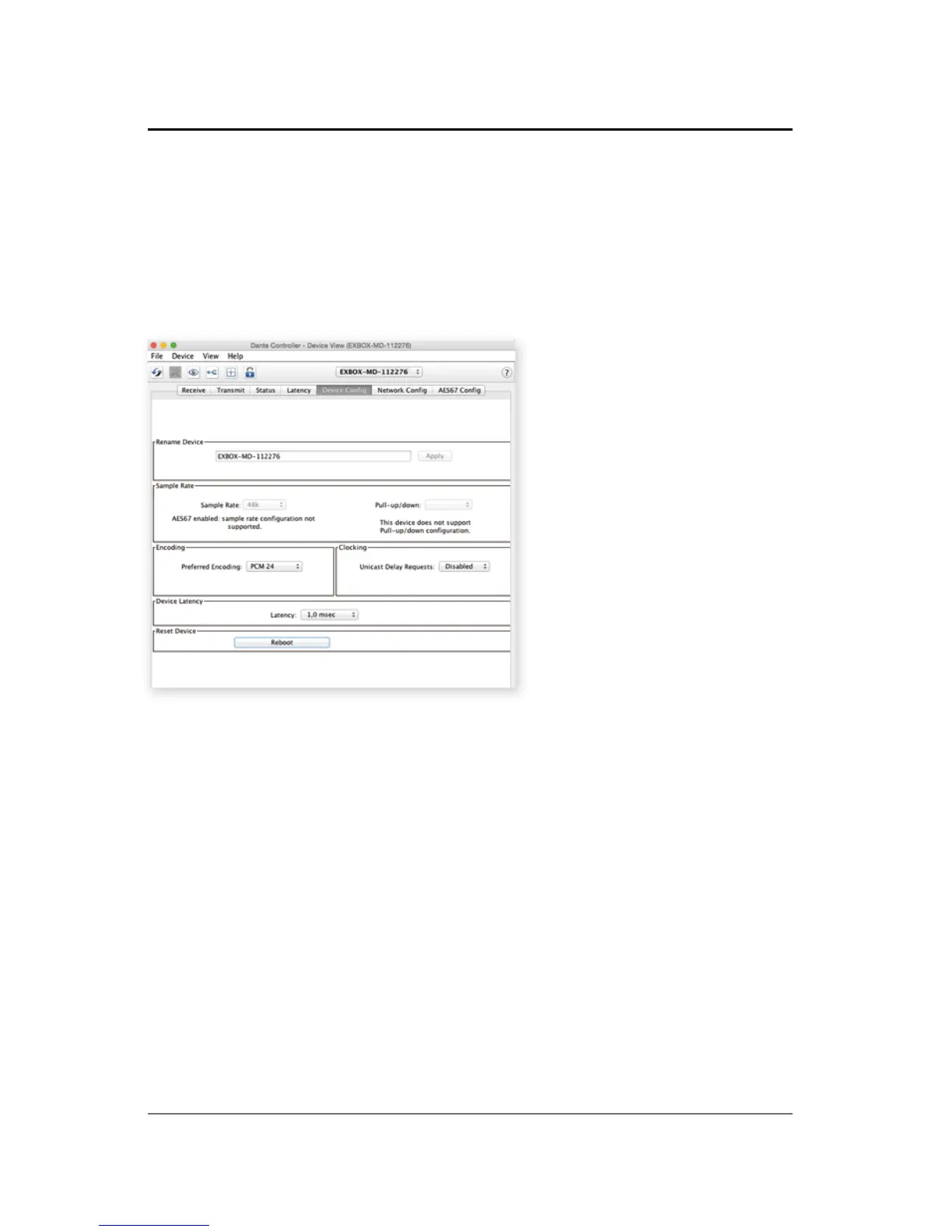
Device Confi g
The tab 'Device Confi g' to adjust the device name,
sample rate, encoding modes and more.
The clock source of the EXBOX.MD is confi gured in
the web control of the EXBOX.MD.
Open a browser and enter the device's IP address to
access the control page.



 To Next Page