page 43 of 60EXBOX.MD Manual - Version 1.0
CHAPTER 5: Remote Control
Device View
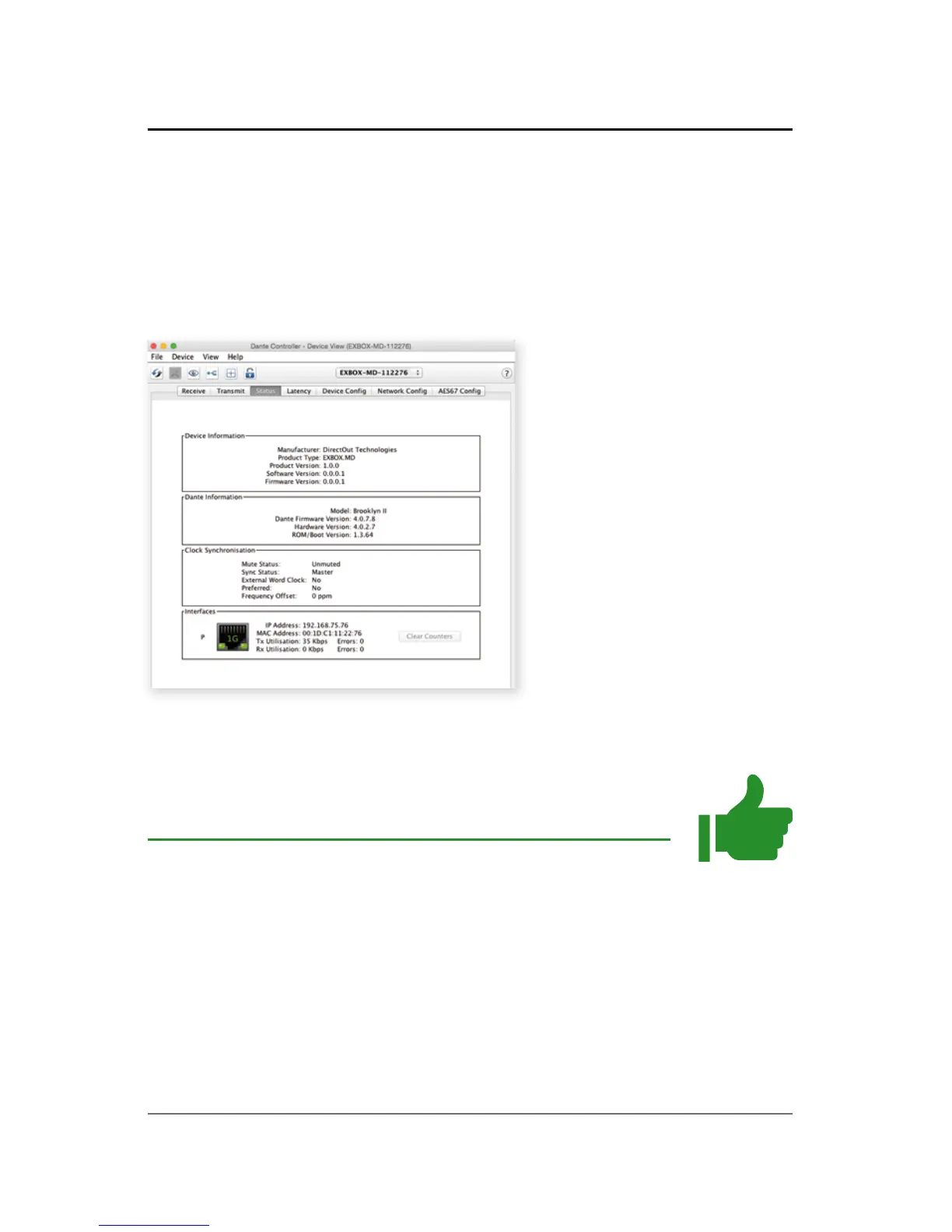
The 'Device View' is also organised in to several tabs.
It can be opened by double-clicking on to a device
name in the 'Network View'.
The status tab informs about the current fi rmware
and software versions.
TIP
To update your device the application 'Dante
Firmware Update Manager' is required:
https://www.audinate.com/products/fi rmware-update-
manager



 To Next Page