6
FEATURES AND FUNCTIONS
Key Charts (continued)
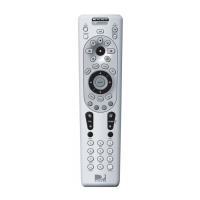
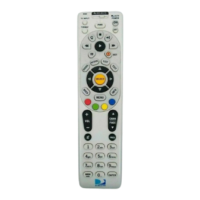
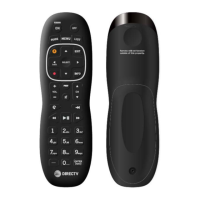
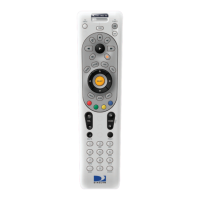
Press BACK to return to the
previously displayed screen.
Press MENU to display the
Quick Menu.
Press INFO to display current
channel and program infor-
mation when watching live
TV or in the Guide.
Press YELLOW in full-
screen TV to cycle through
alternate audio tracks.
Press BLUE in full-screen
TV to display the Mini-
Guide.
Press RED in the Guide to
jump 1.5 hours back.
Press GREEN in the Guide
to jump 1.5 hours forward.
Other functions vary—look
for onscreen hints or refer to
your DIRECTV Receiver’s
user guide. (Not available on
all DIRECTV Receivers.)
Press VOL to raise or lower
the sound volume. The vol-
ume key is only active when
the remote is setup for your
TV.
While watching TV, press
CHAN p (or q) to select
the next higher (or lower)
channel.
While in the DIRECTV pro-
gram guide or menu, press
PAGE p (or q) to page up
(or down) through available
channels in the Guide.
continued next page…
BACK
MENU
INFO
VOL
PAG E
CHAN
Remote Control UG-Philips.indd 6Remote Control UG-Philips.indd 6 7/26/05 11:10:49 AM7/26/05 11:10:49 AM



 To Next Page