4
CONNECT RECEIVER TO TV
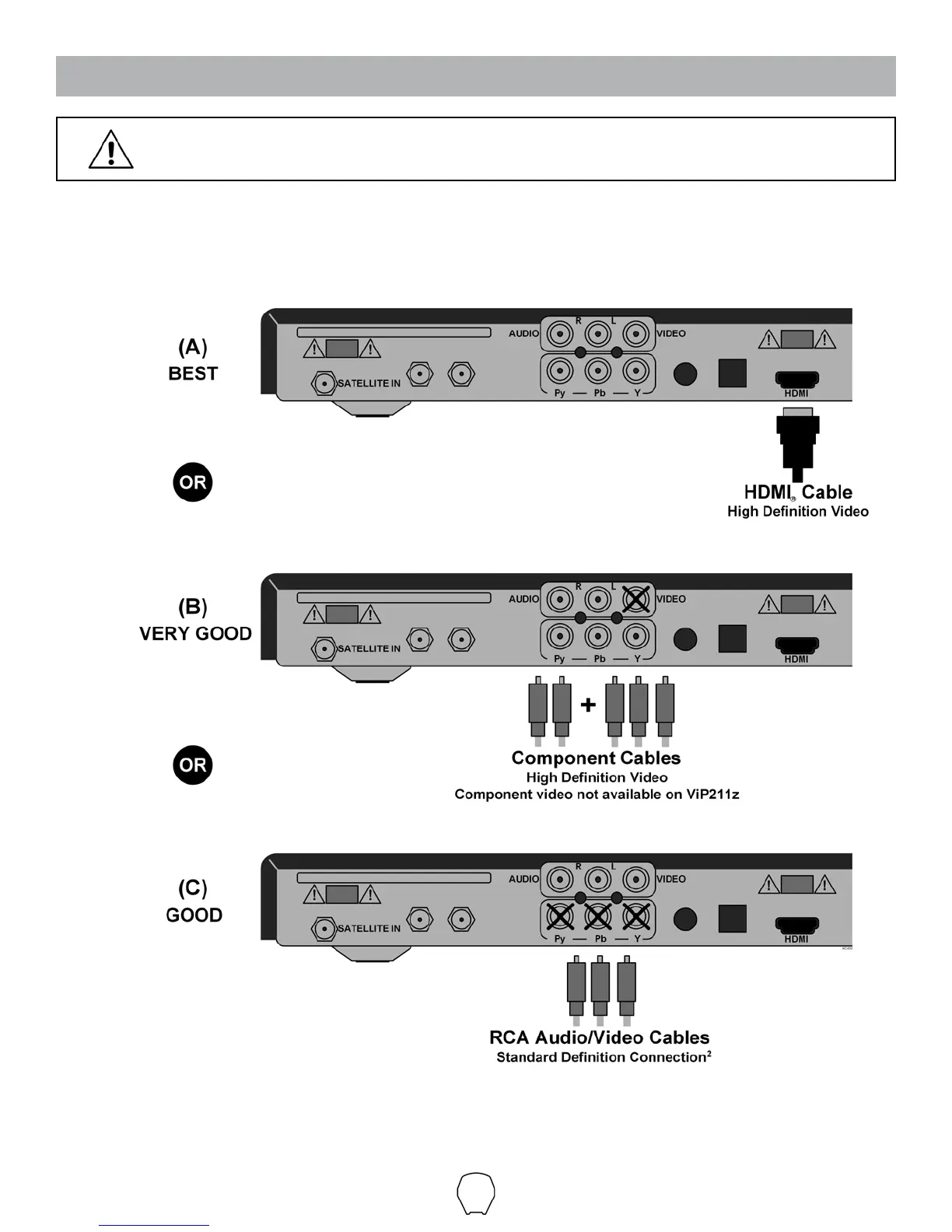
1. Connect your DISH HD Solo Receiver (ViP211z, ViP211k, ViP211 or 411)
1
to your TV using the
best connection type supported by your TV. (See your TV owner’s manual for its connection
options. Connection type and location may vary by model.)
Make sure to install the batteries in the receiver’s remote control
(included with remote control).
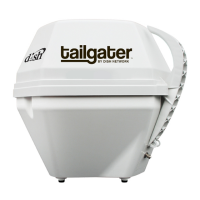
1) Receiver models compatible with the Tailgater may change. This list may not be complete. Please visit www.mydish.com/tailgater
for the most up to date receiver information.
2) Your receiver may also have standard denition “TV SET OUT” and “S-VIDEO” ports to view video. See your receivers User’s Guide
for more information.


 To Next Page