JT30 /JT30 All Terrain Operator’s Manual Controls - 38
Left Control Console
CMW
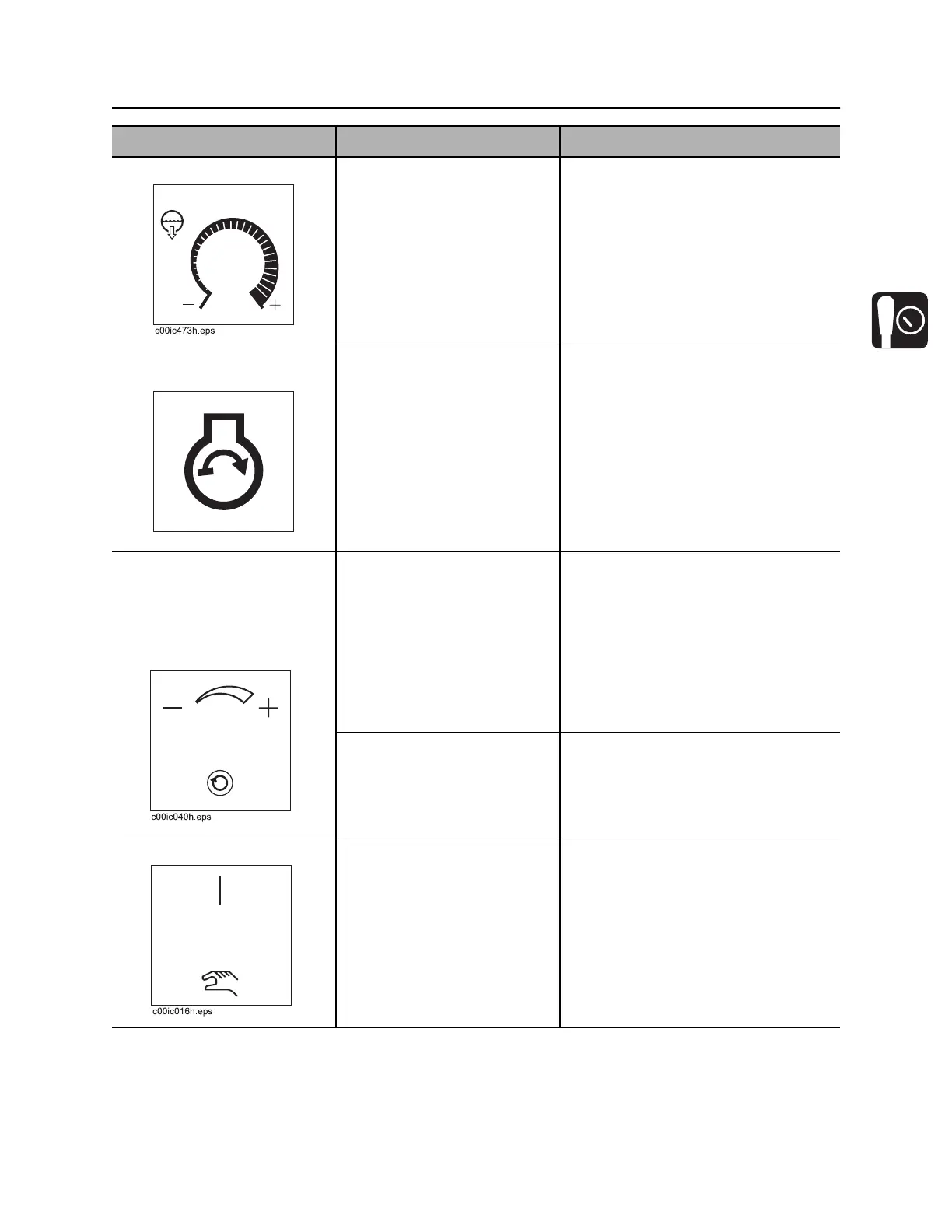
5. Fluid flow control To increase flow, turn
clockwise.
To decrease flow, turn
counterclockwise.
To stop flow, turn all the way
counterclockwise.
Note: Drilling fluid pump must be
switched on. See “Right Control
Console” on page 40.
6. Remote engine start
switch
To start engine from
operator’s station, push
button.
Release when engine starts.
IMPORTANT: This button works only
when key in set-up console is on,
operator is in seat, and battery
disconnect switch is closed.
7. Carve window control
(JT and AT Dirt mode)
or
Inner spindle speed
control (AT Rock mode)
To increase carve window
range, turn clockwise.
To decrease carve window
range, turn counterclockwise.
See “Use AutoCarve” on page 119.
For AT units:
To set carve window, autocarve mode
must be enabled and drilling mode
switch in AT Dirt position. See
“Engine Compartment Controls” on
page 60.
To increase rotation speed,
turn clockwise.
To decrease rotation speed,
turn counterclockwise.
To control inner spindle speed, Inner
Spindle switch must be on and drilling
mode switch in AT position. See
“Engine Compartment Controls” on
page 60.
8. Inner spindle switch To turn on, press top.
To turn off, move to center.
To manually control inner
rotation speed and direction,
press bottom. Then use
manual inner spindle control
as needed.
IMPORTANT:
• To restart inner rotation after
operator has left seat, turn inner
rotation off and then on.
• Normal dither works in manual
control mode unless the manual
inner spindle control is moved
from its normal position.
Item Description Notes
c00ic152h.eps


 To Next Page