22 23
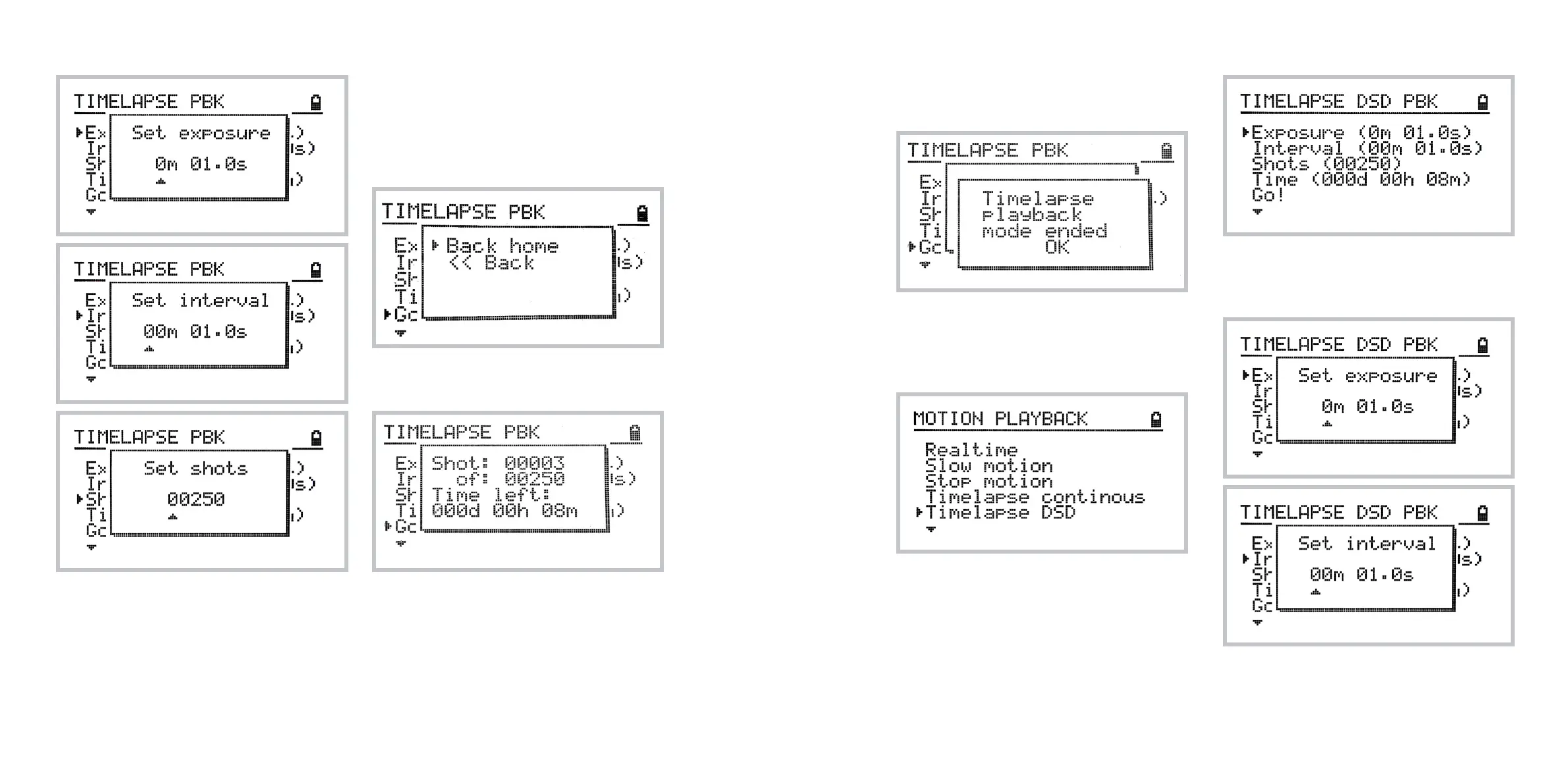
The following screen confirms end of continuous
timelapse playback.
Timelapse Drive-Shoot-Drive playback
To access timelapse DSD playback navigate to:
Home » Video » Motion Playback » Timelapse DSD
The drive-shoot-drive timelapse playback menu
has similar features to standard timelapse.
However, the direction feature is not present here
as the playback because always performed from
the home position along the recorded path.
You may set the Exposure time, the Interval time,
and the total Shots. Adjusting the Time parame-
ter will re-calculate the total Shots automatically.
Note: the interval refers to the time between the end
of one exposure and the start of the next. It is not
the time between the start of one exposure and the
start of the next.
In order to start playback once your sequence set-
tings are set hit Go!.
You will be prompted to go back to the home posi-
tion and then the timelapse playback starts.
The following screen shows the progress of the
timelapse playback.



 To Next Page