24 25
Note: the interval refers to the time between the end
of one exposure and the start of the next. It is not
the time between the start of one exposure and the
start of the next.
In the DSD timelapse playback mode the interval
must be set to at least 0.5s.
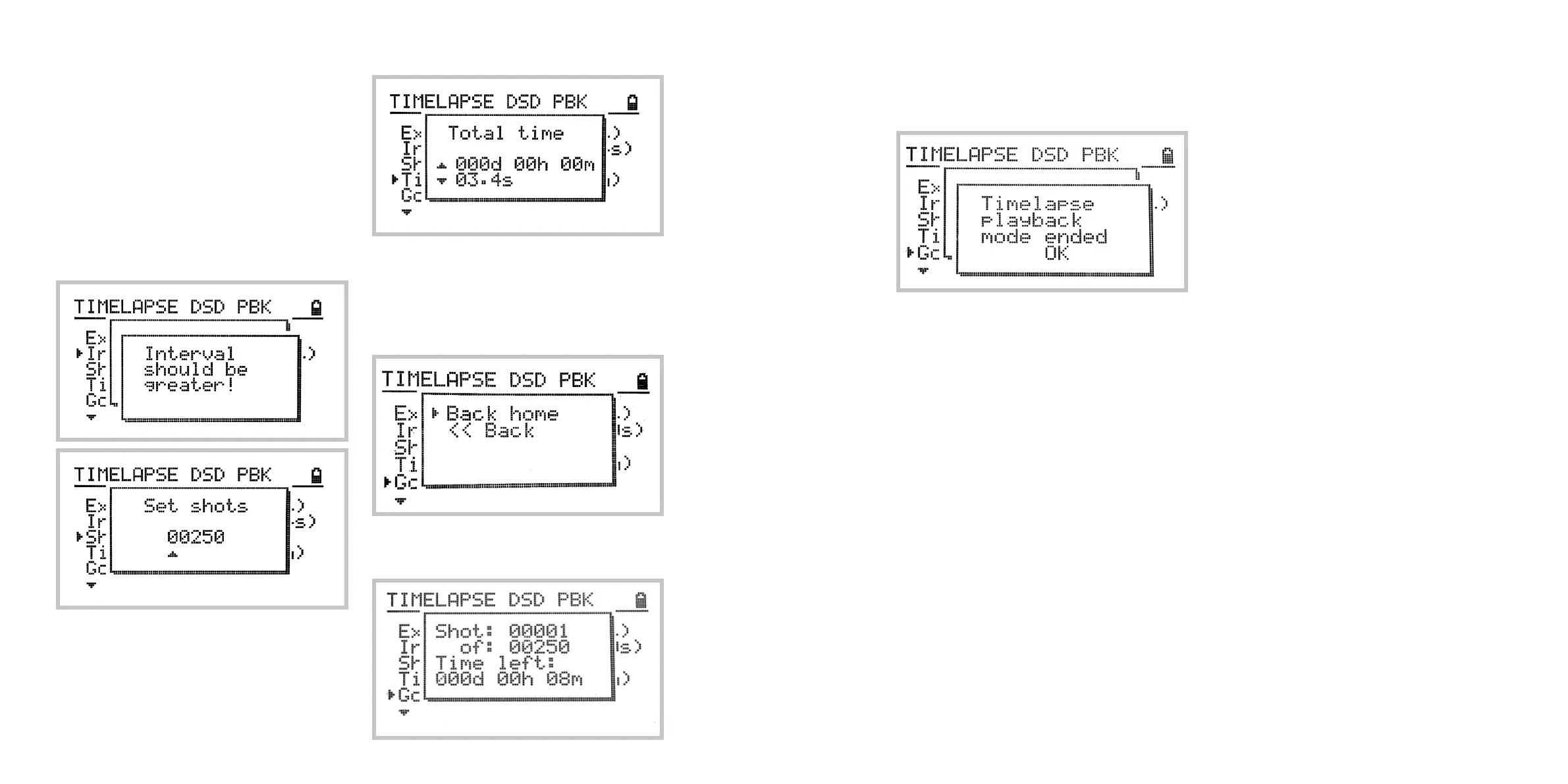
The following screen will notify you in the case that
the interval is too short. In order to start playback once your sequence set-
tings are set hit Go!.
You will be prompted to go back to the home posi-
tion and then the timelapse playback starts.
The following screen shows the progress of the
timelapse playback.
The following screen confirms the end of DSD
Timelapse Motion Playback.
Notes on motion playback modes
1 The time stretching methods used in timelapse,
slow motion and stop motion playback modes
interpolate recorded data based on Bezier
curves. The motion will be played back
smoothly even if stretched significantly.
2 It is also recommended to avoid sudden
acceleration to the top speeds and sudden
changes in direction. Such fast changes may
not be played back properly.
3 Due to technical limitations recorded
programs can’t be accelerated.



 To Next Page