v.220411 | 17
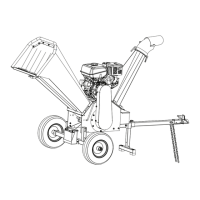
STEP 3: AXLE & WHEELS
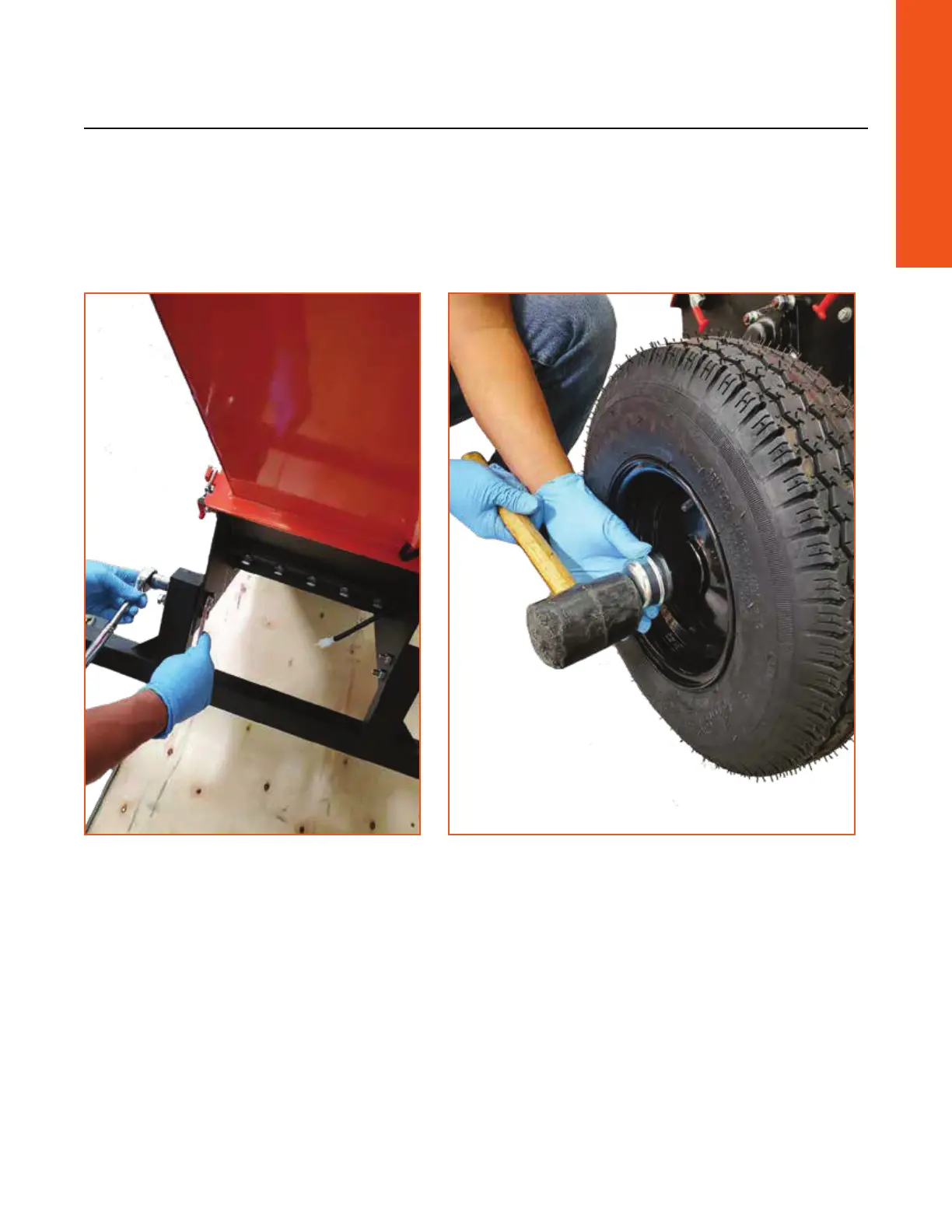
1. Remove all hardware from axle.
2. Install with 4 bolts to machine body.
3. Install wheels with air stem facing out, then large washer, then nut, then turn by hand to
tighten. Back o nut to align with the hole, insert pin and secure.
4. Align wheel cap in groove and tap gently with a rubber mallet until the cap is seated evenly
into the groove.
ENGLISH


 To Next Page