6. Working with external
temperature sensor (Hotplate
Model)
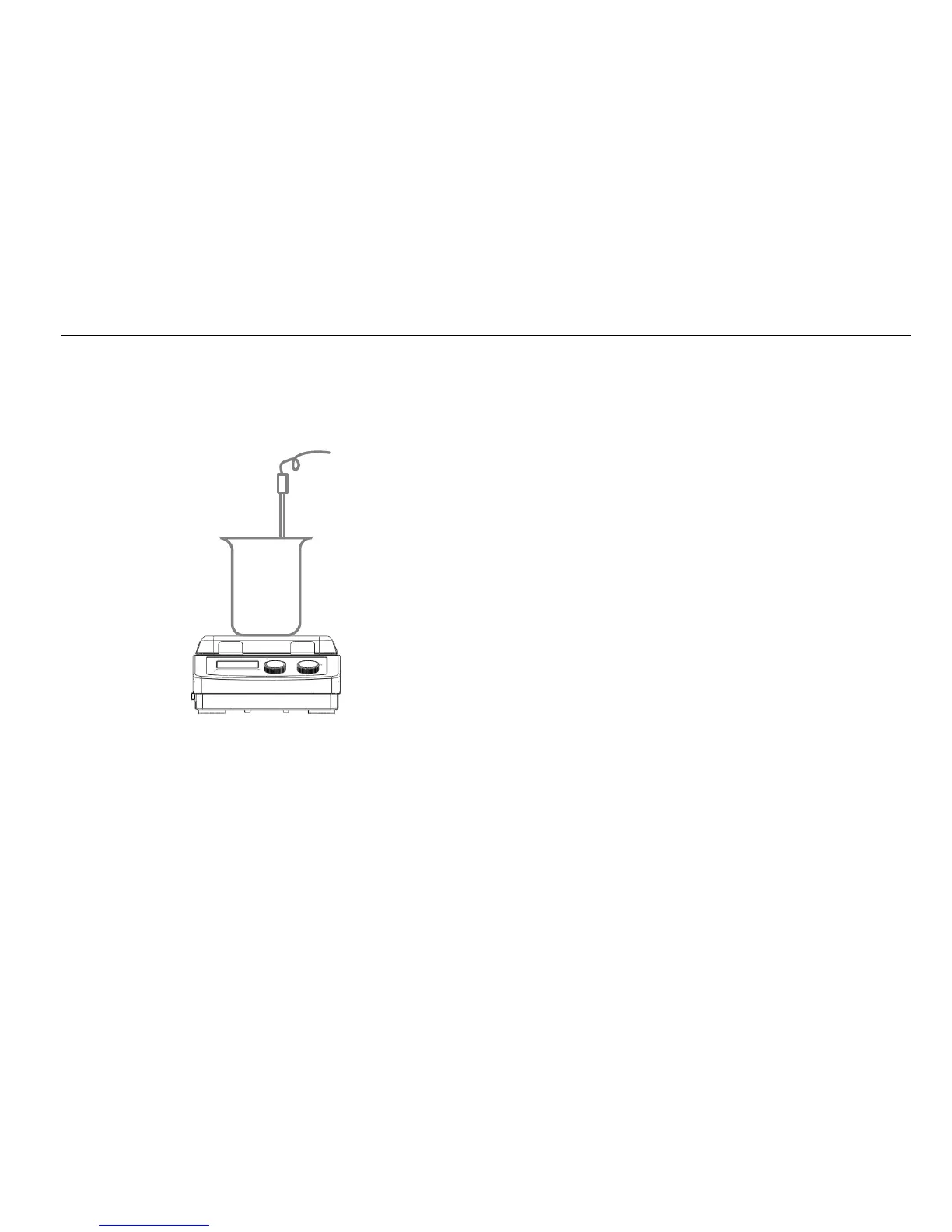
Figure 7
6.1 LCD digital hotplate model
The external temperature sensor PT1000 is manufacture’s
standard accessory. If the sensor is plugged in, “Probe” will
be shown on the LCD digital display to indicate the sensor
is operating. The setting value of external temperature
sensor and actual temperature are displayed. Safe circuit
controls hotplate temperature. Comparing with the
temperature control of the hotplate, the external
temperature sensor can control the medium’s temperature
more precise. The heating function will be stopped
automatically under abnormal conditions. Please operate
follow the instructions below:
• Switch OFF the instrument.
• Ensure the external temperature sensor is inserted in
the media heated.
• Switch ON the instrument and run heating function.
If the heating function does not work, please contact
manufacturer/supplier for technical support.
6.2 LED digital hotplate model
The external temperature sensor PT1000 is the
manufacture’s standard accessory. If the sensor is plugged
in and rotate the heating knob, LED displays the
temperature setting value and shifts to real value in 5
seconds. Safe circuit controls hotplate temperature.
Comparing with the temperature control of the hotplate, the
external temperature sensor can control the medium’s
temperature more precise. The heating function will be
stopped automatically under abnormal conditions. Please



 To Next Page