EasyManua.ls Logo

DLab SK-L330-Pro - User Manual

Default Icon
11 pages
Print Icon
To Next Page IconTo Next Page
Loading...
Shakers
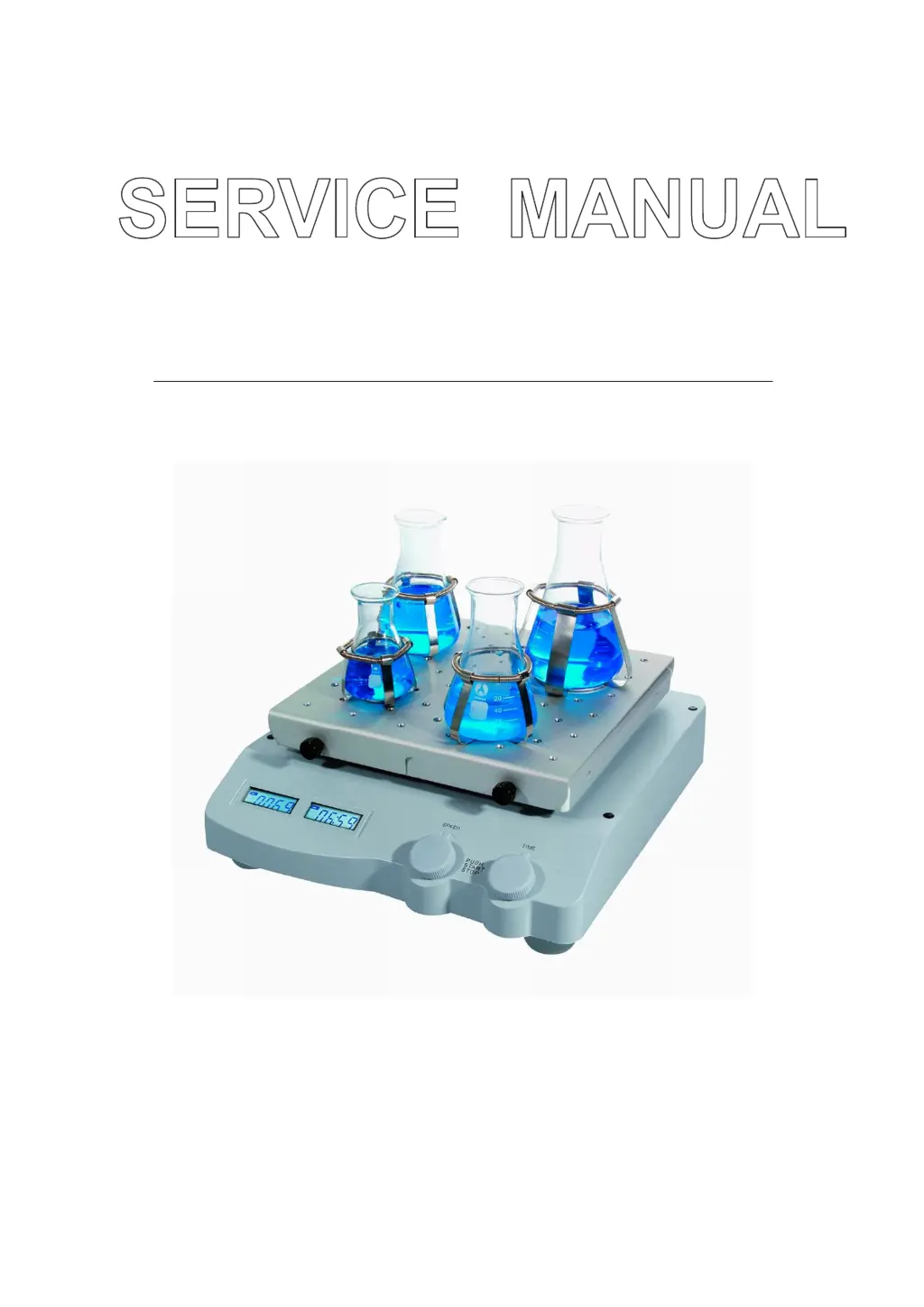
SK-O330-Pro LCD Digital Orbital Shaker
SK-L330-Pro LCD Digital Linear Shaker
VERSION20170311

Questions and Answers

  • A
    ashleytaylorAug 10, 2025
    How to fix DLab Laboratory Equipment that can't power on?
    • J
      Jessica EdwardsAug 10, 2025
      If your DLab Laboratory Equipment won't power on, first ensure the power line is properly plugged in and the power switch is on. If the issue persists, the fuse may be broken and require replacement. Alternatively, the power board, main board, or display screen could be faulty and need replacing.
  • B
    Brian WileyAug 17, 2025
    What to do if the DLab SK-L330-Pro instrument doesn’t move?
    • J
      jessica73Aug 17, 2025
      If the DLab Laboratory Equipment's instrument doesn't move, first make sure that you have set a target temperature, and that the temperature indicator is on. If the issue continues, it could be due to several reasons: * A failure in the drive board (replace it, referring to chapter 2.5). * A failure in the 24V power board (replace the power board component). * Motor failure (replace the motor). * Broken shrapnel (replace the shrapnel). * A loose or broken belt (replace the belt).
  • J
    James FranklinAug 25, 2025
    Why does my DLab SK-L330-Pro Laboratory Equipment LCD display garbled characters?
    • J
      Jennifer HinesAug 26, 2025
      If the LCD display of your DLab Laboratory Equipment shows garbled characters, it indicates that the display board is failing and needs to be replaced.
  • M
    morriskellySep 2, 2025
    What causes inaccurate speed and errors on DLab SK-L330-Pro?
    • L
      Lindsey TorresSep 2, 2025
      If your DLab Laboratory Equipment instrument speed is inaccurate and shows errors like Self-test, TE1 Ref, TE2 Ref, TE3 Ref, it could be due to a failure in the photosensor, requiring replacement of the heated lid. Another possibility is the photosensor's position is off, requiring adjustment.

Summary

Working Principle

Introduction to Shaker Operation

Overview of the shaker's function and control panel elements, including displays and knobs.

Component Composition

Detailed breakdown of the shaker's structural components and modules, illustrated with diagrams.

Instrument Removal and Installation

Instrument Removal Procedure

Step-by-step guide on how to disassemble the instrument, including tools and initial screw removal.

Main Parts Identification

Identification of key internal components and their corresponding part numbers.

Master Control Board Replacement

Procedure for replacing the master control board, involving screw removal and connector disconnection.

Motor Component Replacement

Instructions for replacing the motor, detailing screw removal and belt management.

Photoelectric Switch Replacement

Steps for replacing the photoelectric switch and ensuring proper alignment with the motor's Shaft Encoder.

Power Board Replacement

Process for replacing the power board, including cable unplugging and screw removal.

Motor Drive Board Replacement

Guide to replacing the motor drive board, involving connector and screw removal.

Troubleshooting Guide

Common Faults and Solutions

Table detailing common faults (E01-E04), their causes, and suggested solutions for instrument issues.

Test Methods

Diagnosing Movement Issues

Methods for diagnosing why the instrument is not moving, checking belts, motors, and structural integrity.

Addressing Speed Inaccuracy

Procedure for troubleshooting inaccurate instrument speed, focusing on photosensor connections and positioning.

DLab SK-L330-Pro Specifications

General IconGeneral
Chamber MaterialStainless Steel
Capacity30L
Temperature RangeRT+5°C to 60°C
Display Accuracy0.1°C
Power SupplyAC 220V/50Hz
Speed Range30-300rpm

Related product manuals