EasyManua.ls Logo

DLab OS40-S - User Manual

Default Icon
21 pages
Print Icon
To Next Page IconTo Next Page
Loading...
Digital
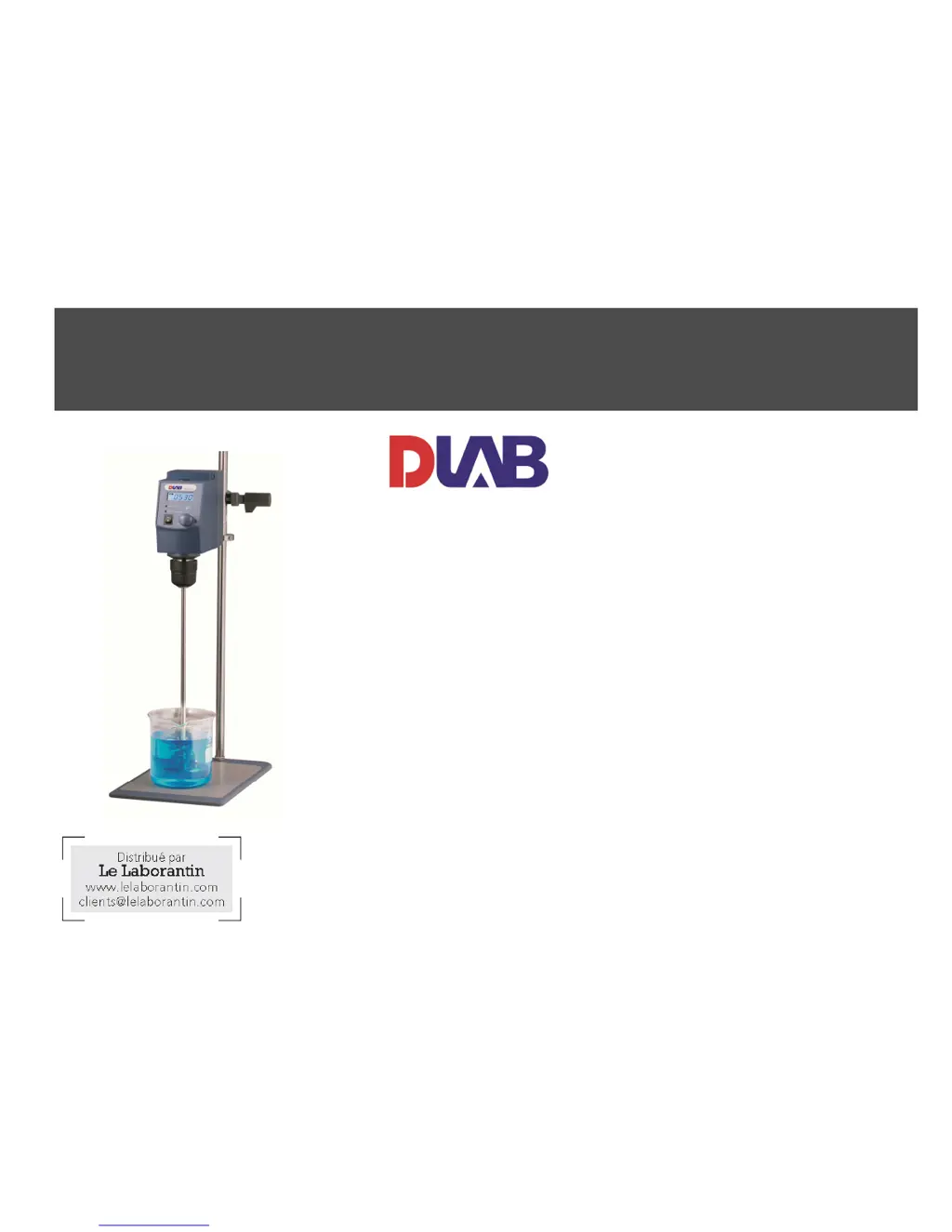
Overhead Stirrer
User Manual
OS40-Pro
LCD Digital Enhanced Overhead Stirrer
OS40-S
LED Digital Enhanced Overhead Stirrer
(Le Laborantin - réf.702323)
OS20-Pro
LCD Digital Overhead Stirrer
OS20-S
LED Digital Overhead Stirrer
(Le Laborantin - réf.701574)
Please read the User Manual carefully before use, and follow all
operating and safety instructions!
Technical specifications and outline are subject to change without prior
notice.

Other manuals for DLab OS40-S

Questions and Answers

  • M
    Marco DouglasAug 9, 2025
    What to do if my DLab OS40-S doesn’t stir?
    • C
      Caleb MooreAug 9, 2025
      If your DLab Laboratory Equipment isn't stirring, first ensure you've set a target speed by rotating the speed control knob and pressing it to start. Also, verify that all cable connections are firmly plugged in. If the issue persists, the belt might be broken, requiring replacement. Alternatively, the driven board or photosensor could be faulty and need replacing.
  • M
    Melissa MeyerAug 18, 2025
    How to troubleshoot a DLab Laboratory Equipment with no operation response (LED off)?
    • C
      Christine WilsonAug 19, 2025
      If your DLab Laboratory Equipment shows no operation response and the LED is off, start by checking and connecting the power supply, then power it on again. Ensure that the power switch is turned on. If the problem continues, open the instrument and check all cable connections, reconnecting them as needed.
  • J
    John GonzalesAug 29, 2025
    Why is the speed control inaccurate on my DLab OS40-S?
    • M
      Michelle JonesAug 29, 2025
      If the speed control on your DLab Laboratory Equipment isn't accurate, the drill chuck might be faulty and require replacement. Alternatively, the photosensor could be failing and need replacing.

Summary

Preface

Service

Warranty

Safety Instructions

Proper Use

Inspection

Receiving Inspection

Check instrument for transport damage and contact supplier if issues arise.

Listing of Items

Verifies the included items: main unit, power cable, and user manual.

System Assembly

Install stand

Assemble stand, adjust main unit height, and secure with anti-drop protector.

Install stirring impeller

Insert impeller into chuck and adjust depth within the vessel.

Trial Running

Function

Control

Details operational controls and indicators for LCD and LED digital models.

Display

Overload Protection

Interface and Output (LCD digital)

Faults

Maintenance and Cleaning

Associated standards and regulations

Specifications

Ordering Informations

DLab OS40-S Specifications

General IconGeneral
BrandDLab
ModelOS40-S
CategoryLaboratory Equipment
LanguageEnglish

Related product manuals