EasyManua.ls Logo

DLab D2012 plus - User Manual

Default Icon
25 pages
Print Icon
To Next Page IconTo Next Page
Loading...
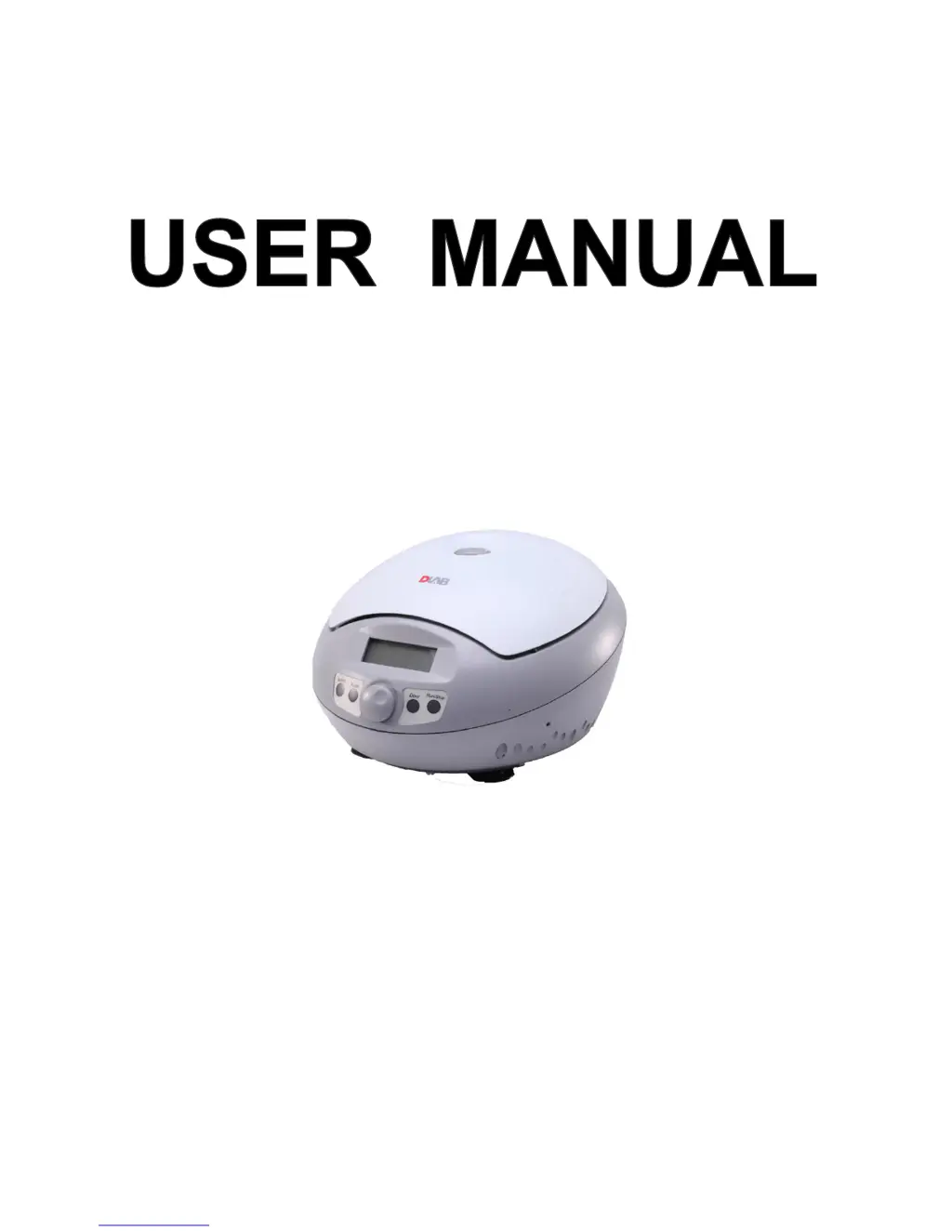
D2012 & D2012 plus High Speed Mini Centrifuge
DLAB Laboratory Instruments Limited
www.dlabsci.com

Questions and Answers

  • L
    Lance RothAug 8, 2025
    What to do if nothing appears on the screen of my DLab D2012 plus Laboratory Equipment when I turn it on?
    • C
      Chloe KruegerAug 8, 2025
      If nothing appears on the screen when you turn on your DLab Laboratory Equipment, it could be due to a tripped building power circuit breaker. To resolve this, identify and remove the cause of the trip, then turn the power back on. Alternatively, the fuse may have blown out, in which case you should replace the fuse.
  • C
    Christopher MooreAug 19, 2025
    Why is my DLab D2012 plus Laboratory Equipment vibrating abnormally?
    • F
      Francisco BridgesAug 19, 2025
      Abnormal vibration in your DLab Laboratory Equipment can occur if the rotor does not match the spindle. To fix this, reinstall the rotor. Another cause could be imbalanced samples. Ensure samples are balanced using weighting scales and install them symmetrically.
  • J
    Jaime OrtizAug 29, 2025
    What to do if an alarm code appears on the time display screen of my DLab D2012 plus?
    • C
      Carla EdwardsAug 29, 2025
      If an alarm code appears on the time display screen of your DLab Laboratory Equipment, it could indicate several issues. If the code is E-02, it signals a door fault, and you should close the door immediately and start to operate. If the code is E-06, it means the speed is set wrong, and you should modify the speed value. If the code is E-10?86, contact with service center.

Summary

Safety

Common Safety Precautions

General safety guidelines for operating the centrifuge.

Warning: Personal Danger

Notes indicating conditions that could result in personal injury or death.

Caution: Possible Damage to Instrument

Notes indicating conditions that could result in instrument damage or destruction.

Warning: Explosion Proof

Centrifuge is not explosion-proof; avoid flammable samples and gases.

Caution: Operational Environment

Ensure stable placement, avoid direct sunlight, maintain clearance, and keep away from heat/water.

Caution: Rotor Handling

Check rotor for damage, do not exceed speed/imbalance limits, use correct tubes, and tighten lid.

Installation

Operation Panel

Rotor Preparation

Tube Balancing

Centrifuge can accept balancing by eye, but well-balanced condition is recommended for longevity.

Inspect Rotor

Check rotor for corrosion or scratches. Stop use if abnormality found. Use only manufacturer's rotors.

Operation

Normal Operation

Turn on power, centrifuge displays last running interface. Speed: 15000rpm, Time: 12 minutes.

Rotor Loading and Removal

CAUTION: Attach rotor to shaft, tighten locking nut, and ensure rotor lid is tight.

Start Operation

Press Run/Stop button. Timer starts after speed is reached. View/modify programs.

RCF Operation

Maintenance

Troubleshooting

Frequent Problems List

Self-diagnostic function lists symptoms, causes, and solutions for common issues.

Rotor and Tube Instructions

Warranty

DLab D2012 plus Specifications

General IconGeneral
Run time1-99min
Rotor capacity12 x 1.5/2.0 ml
MotorDC motor
Safety devicesover-speed protection
Voltage50/60 Hz

Related product manuals