8.2 RCF Operation
(1)Turn on the power switch.
(2)Set a RCF (Relative Centrifugal Force) value.
Press the select button and choose speed unit ×g, the speed symbol will flash into RCF value
input status.
If no button is pressed after the speed value has flashed for 5 seconds, the input mode will be shut
down.
Rotate program button to input a RCF value, RCF increment is100×g .
(3)Set operating conditions
The other operation, please refer to the section 8.1.
8.3 Pulse Operation
This function is used to remove the residual samples adhered on the interior of the tubes.
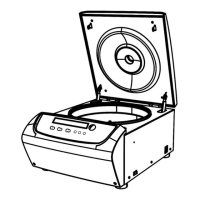
(1)Turn on the power switch and load the rotor to the shaft, tighten the rotor lid and make sure it is in
secured position, and then close the door.
(2)The centrifuge gets into preparation mode and displays last running values. The values can be reset.
(3)Press knob and hold, the centrifuge will speed up to the setting speed. While releasing
knob during acceleration, the centrifuge will start to decelerate and stop.
9. Maintenance
(1)Centrifuge
If the centrifuge is exposed to ultraviolet rays for a long time, the color of the doors may be changed or
the label may be came off. After using, cover the centrifuge with a piece of cloth to protect it from
direct exposure.
If the centrifuge needs cleaning, clean it with a cloth or sponge moistened with a neutral detergent



 To Next Page