EasyManua.ls Logo

DLab D3024 - User Manual

DLab D3024
27 pages
Print Icon
To Next Page IconTo Next Page
Loading...
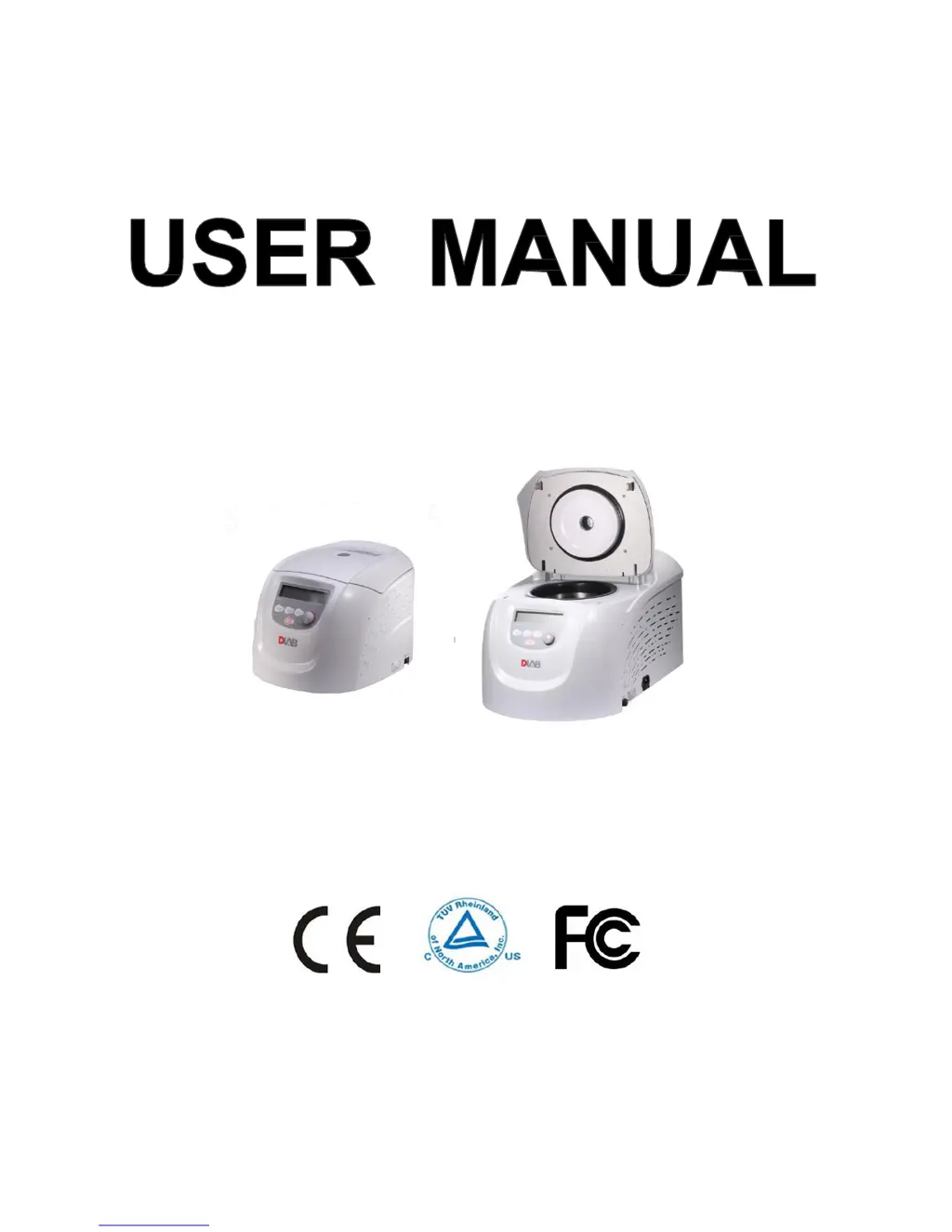
D3024 & D3024R
High Speed (Refrigerated)
Micro-Centrifuge
Before using centrifuge, please carefully read this user manual for its efficient operation and safety.

Questions and Answers

  • M
    Mr. Jason LambAug 3, 2025
    What to do if DLab Laboratory Equipment shows error code E-04 Temperature fault?
    • A
      alan16Aug 4, 2025
      If the DLab Laboratory Equipment displays error code E-04, it indicates a temperature fault. This could be due to blocked air inlets or a damaged radiator fan. Ensure that you clean the air inlets. If the problem persists, replace the radiator fan.
  • L
    Laura SantosAug 11, 2025
    What to do if DLab D3024 displays error code E-02 Door fault?
    • M
      Marissa GarciaAug 11, 2025
      If the DLab Laboratory Equipment displays error code E-02, it indicates a door fault. This can happen if the door is opened during operation or if a button is pressed while the door is opening. To resolve this, immediately close the door. If that doesn't work, close the door fully and then start the operation again.
  • R
    Rita BradfordAug 18, 2025
    What to do if DLab D3024 shows error code E-06 Set wrong parameter?
    • T
      Terri HartAug 18, 2025
      If the DLab Laboratory Equipment displays error code E-06, it means that a parameter has been set incorrectly, exceeding the allowable range. To fix this, modify the parameter value to be within the correct range.
  • A
    Amber HodgeAug 26, 2025
    How to fix DLab Laboratory Equipment when nothing appears on the screen?
    • J
      Jessica HarmonAug 26, 2025
      When nothing appears on the screen of your DLab Laboratory Equipment after turning it on, it could be due to a tripped building power circuit breaker or a blown fuse. First, check the circuit breaker and reset it if necessary. Then turn on the power. If the issue continues, replace the fuse.

Summary

Safety Reminder

General Safety Precautions

Follow instructions and read all safety messages for safe operation.

Warning and Caution Definitions

Explains signal words like WARNING, CAUTION, and NOTE with their meanings.

Operational and Rotor Safety

Operational Safety Cautions

Precautions for table placement, door operation, spills, and rotor chamber cleanliness.

Rotor Safety Guidelines

Checks for rotor corrosion, speed limits, imbalance, capacity, and lid security.

Required Operational Conditions

Installation

Rotor Preparation

Sample Handling and Loading

Instructions for preparing samples, injecting into tubes, and balancing.

Operation Procedures

Normal Operation and Start-up

Covers self-checks, interface displays, and initial start-up procedures.

Rotor Loading and Replacement

Operation Parameters and Cooling

Operation Control

Starting and Modifying Programs

How to start the centrifuge, modify programs, and handle warning displays.

Ending Operation and Opening Door

Procedures for stopping the centrifuge, opening the door, and recalling settings.

RCF Operation

Pulse Operation

Maintenance

Troubleshooting

Common Problems and Solutions

A table listing symptoms, causes, and solutions for common malfunctions.

Manual Door Opening

Instructions for opening the door during power on and in case of power outage.

Fuse Replacement

Rotor and Tube Instructions

Tube Sterilization Methods

DLab D3024 Specifications

General IconGeneral
Max. Speed15000rpm
Speed Accuracy±20rpm
Driving MotorBrushless DC motor
ModelD3024
Power SupplyAC220V-240V, 50Hz/60Hz

Related product manuals