8860 Installation and Programming Guide | Digital Monitoring Products 11
Connect the Video Doorbell
Note: The 8860 only supports one doorbell per system. Video doorbell
capabilities are only available for the DMP Model V-4061DB Video
Doorbell.
1. In the Carousel menu, tap Video Doorbell.
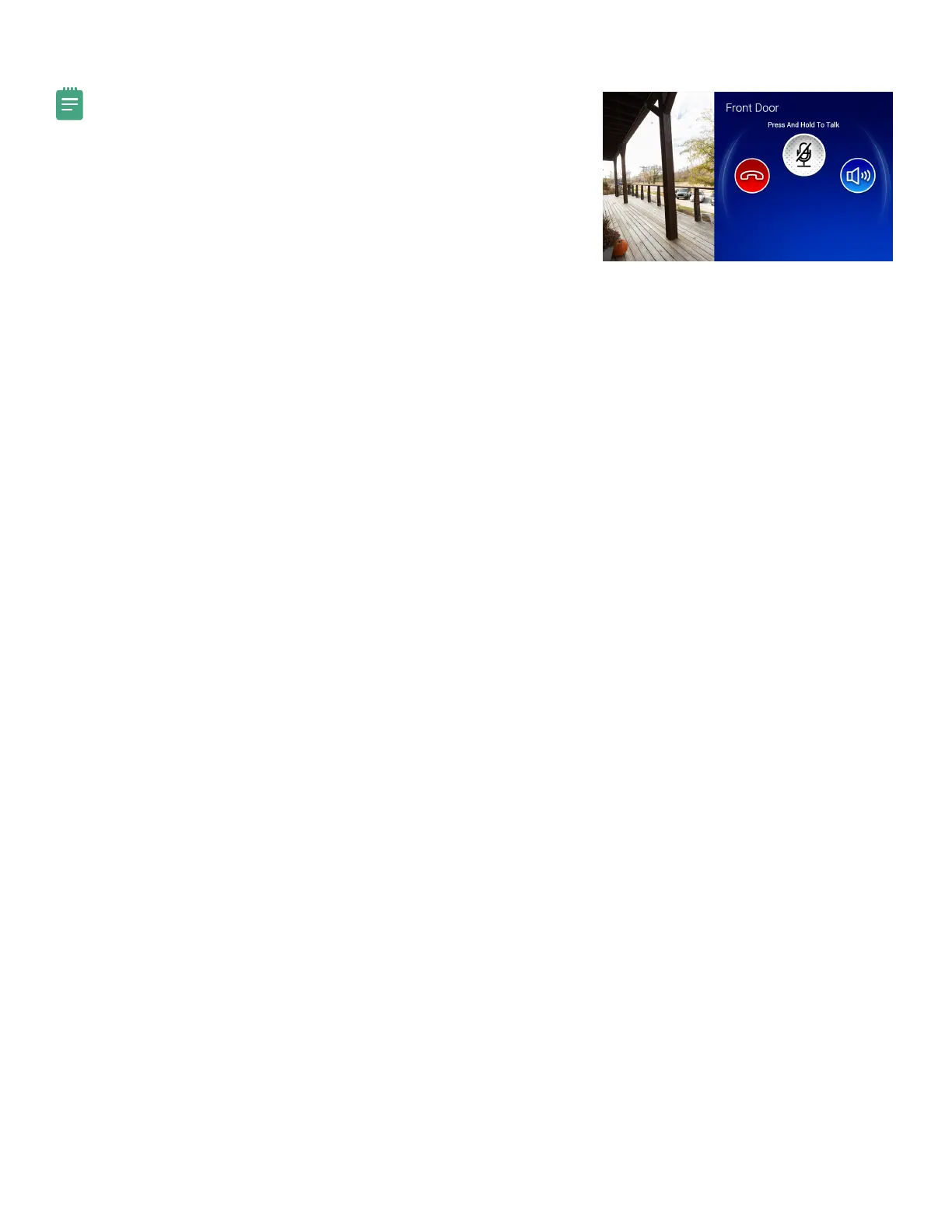
2. Press and hold the Talk button to talk through the keypad. Tap the
Speaker button to mute and unmute the incoming audio. Tap the End
button to end the video feed and go back to the Home Screen.



 To Next Page