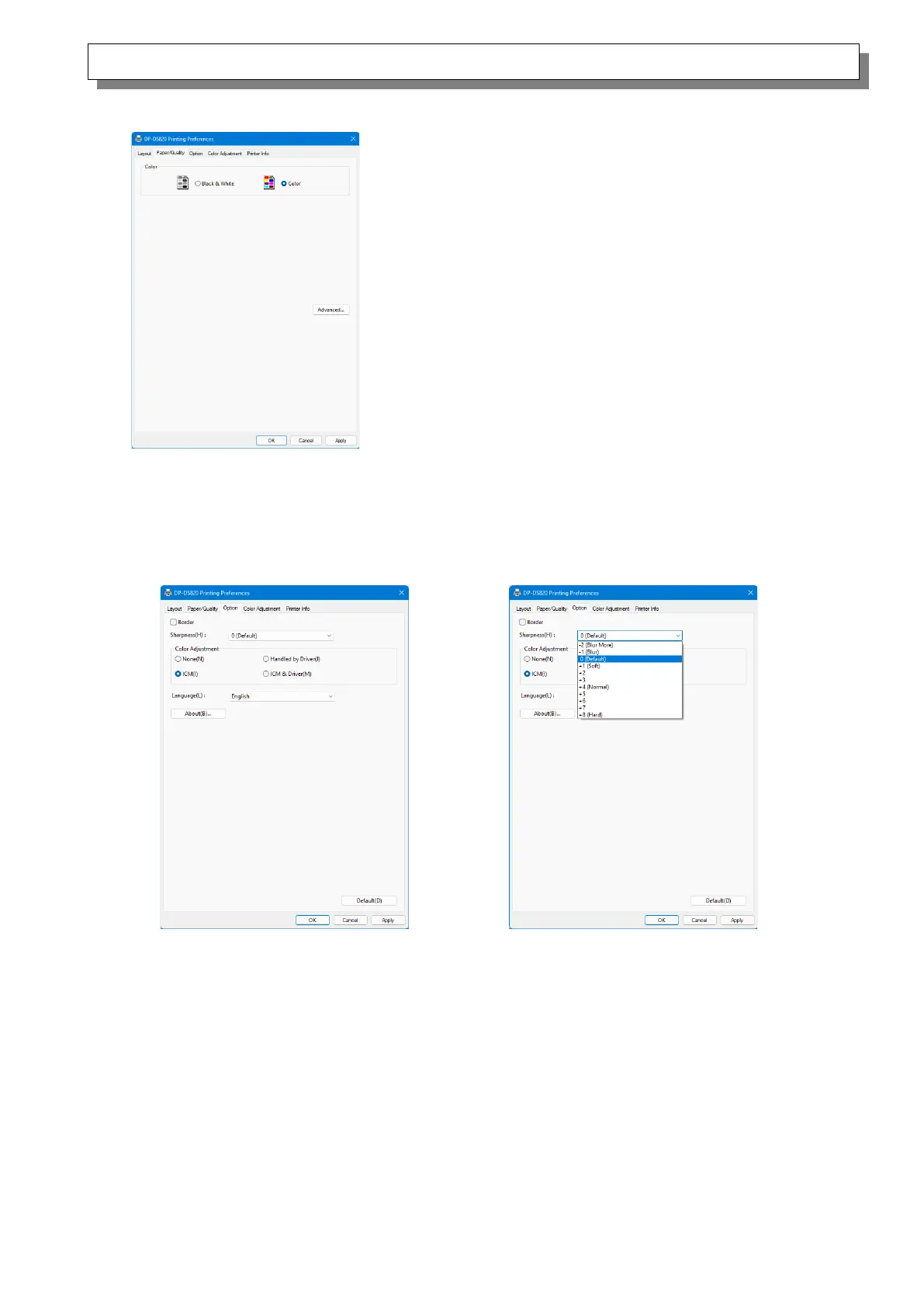
2.2.3 Paper/Quality
Color
Set Color. Do not use black and white.
2.2.4 Option
Border
Specify a border for printing. (Select the check box for a border.) Synchronized with Border
Enable/Disable in the Advanced settings.
Sharpness
Process sharpness using one of the 11 stages (Figure 2.2.4.2). If the setting is “0 (Default)”,
sharpness is not processed. Moving to the minus (-) side blurs the image and moving to the plus
(+) side sharpens the image.



 To Next Page