2.4 Color management
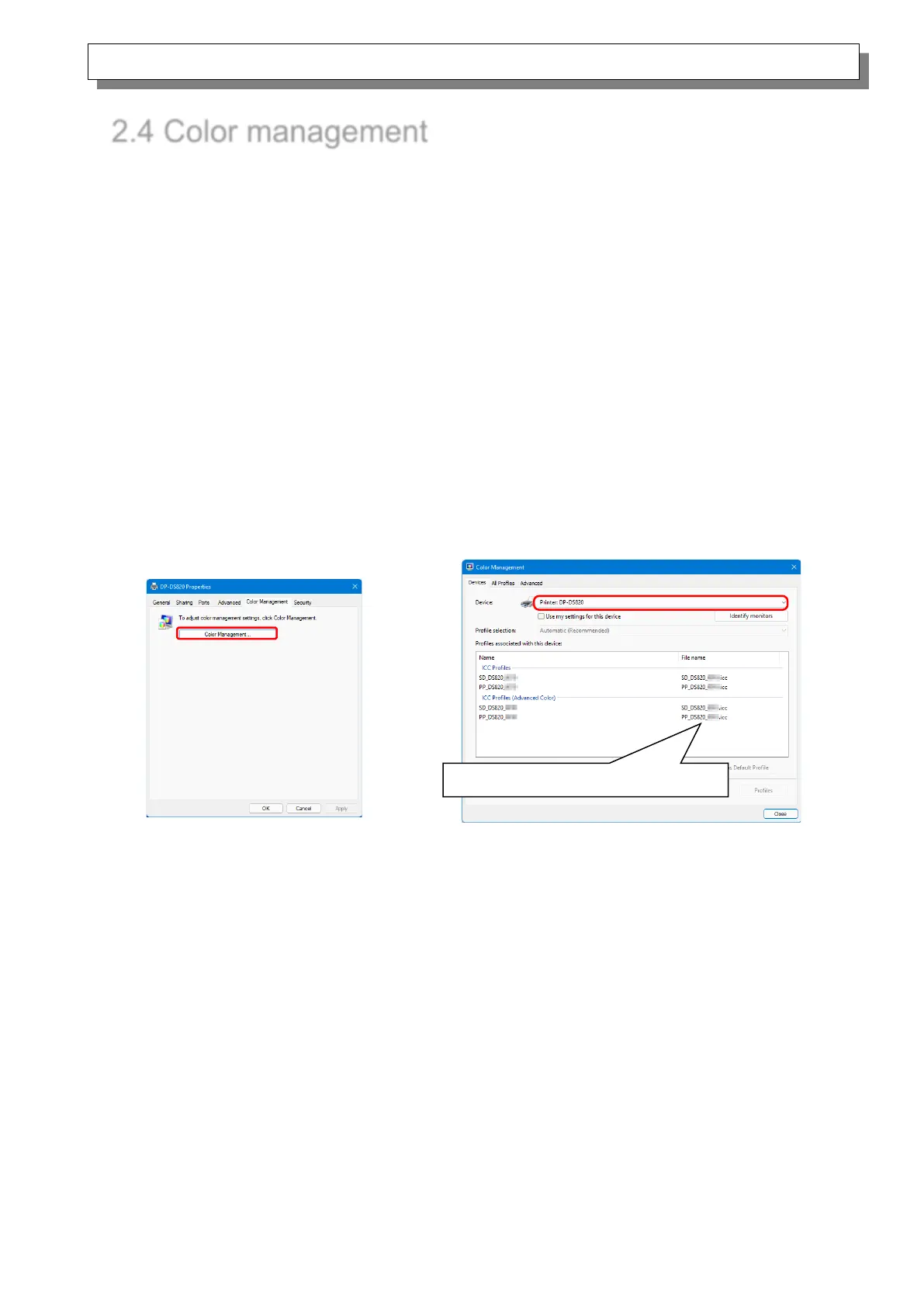
Use Color management to specify the color profile. The installer associates “SD_DS820_xxxx.icc”
and “PP_DS820_xxxx.icc” by default.
This printer driver automatically changes the printer color profile in accordance with the media that is
loaded in the printer.
To use an ICC profile other than the default profile, overwrite the ICC profile that has been registered
as the default.
For the ICC profile to overwrite, prefix “SD_” to the profile name for Digital media and prefix “PP_” to
the profile name for Pure Premium media.
Example: Overwritten profile name
・ For Digital : SD_xxxxxxxx.icc
・ For Pure Premium : PP_xxxxxxxx.icc
Step 1. From the Printer Properties,
select the Color Management
tab, and then click “Color
Management...”.



 To Next Page