Chapter 4 Delete the driver
4.1 Automatic deletion of printer drivers
The printer driver is automatically deleted when uninstalling the driver package.
For the steps to uninstall the driver package, see “2. Uninstall the driver package” in Chapter 3.
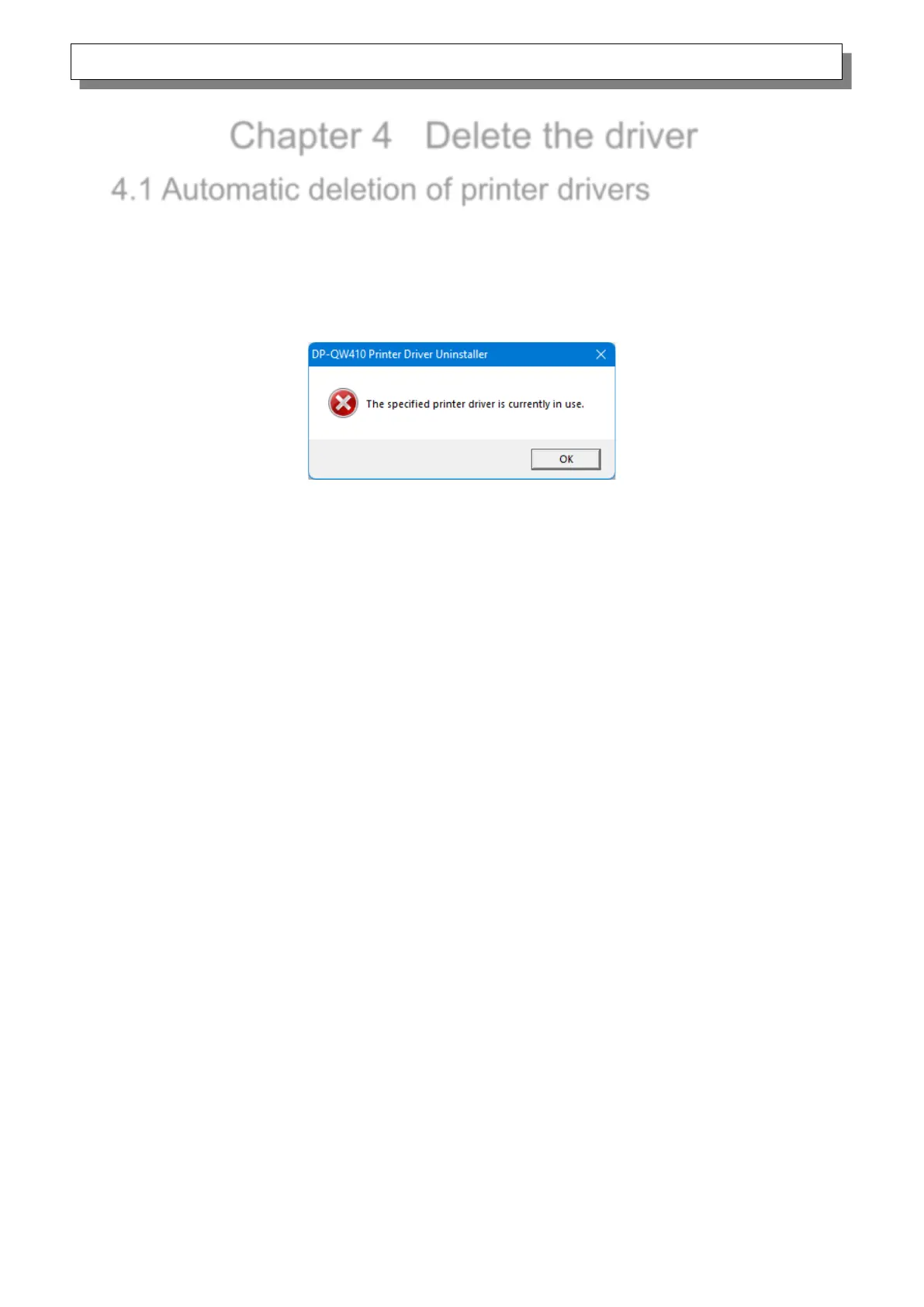
Note that uninstalling the driver package when the printer driver is in use will display the following
message, and the printer driver will not be deleted.
Figure 4.1 Message displayed when the driver is in use
When the above message is displayed, restart the computer and then delete the printer driver using
the procedure described in “4.2 Manual deletion of printer drivers”.



 To Next Page