DNP Photo Imaging America Corp. 3
If there is a Paper Jam: Troubleshooting
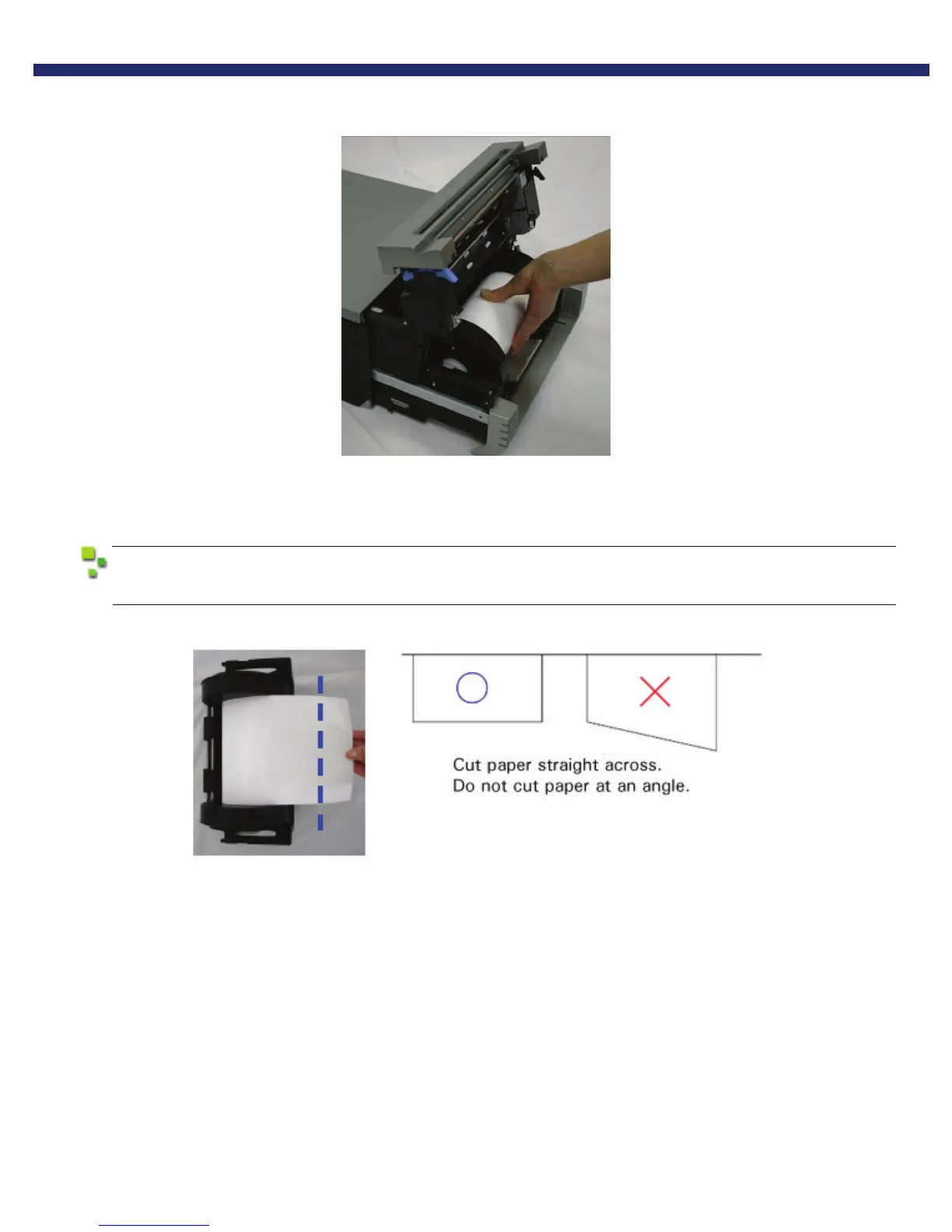
4. Remove the scrap box and rewind the paper.
Figure 24. Rewinding the Paper
5. Cut off any partially printed, wrinkled, or otherwise inferior paper evenly with scissors and reset the paper.
If wrinkles or partially printed areas are left, it could cause the paper to jam again.
Figure 25. Cutting the Paper



 To Next Page