2 DNP Photo Imaging America Corp.
Resolving Media Errors Troubleshooting
RESOLVING MEDIA ERRORS
If there is a Paper Jam:
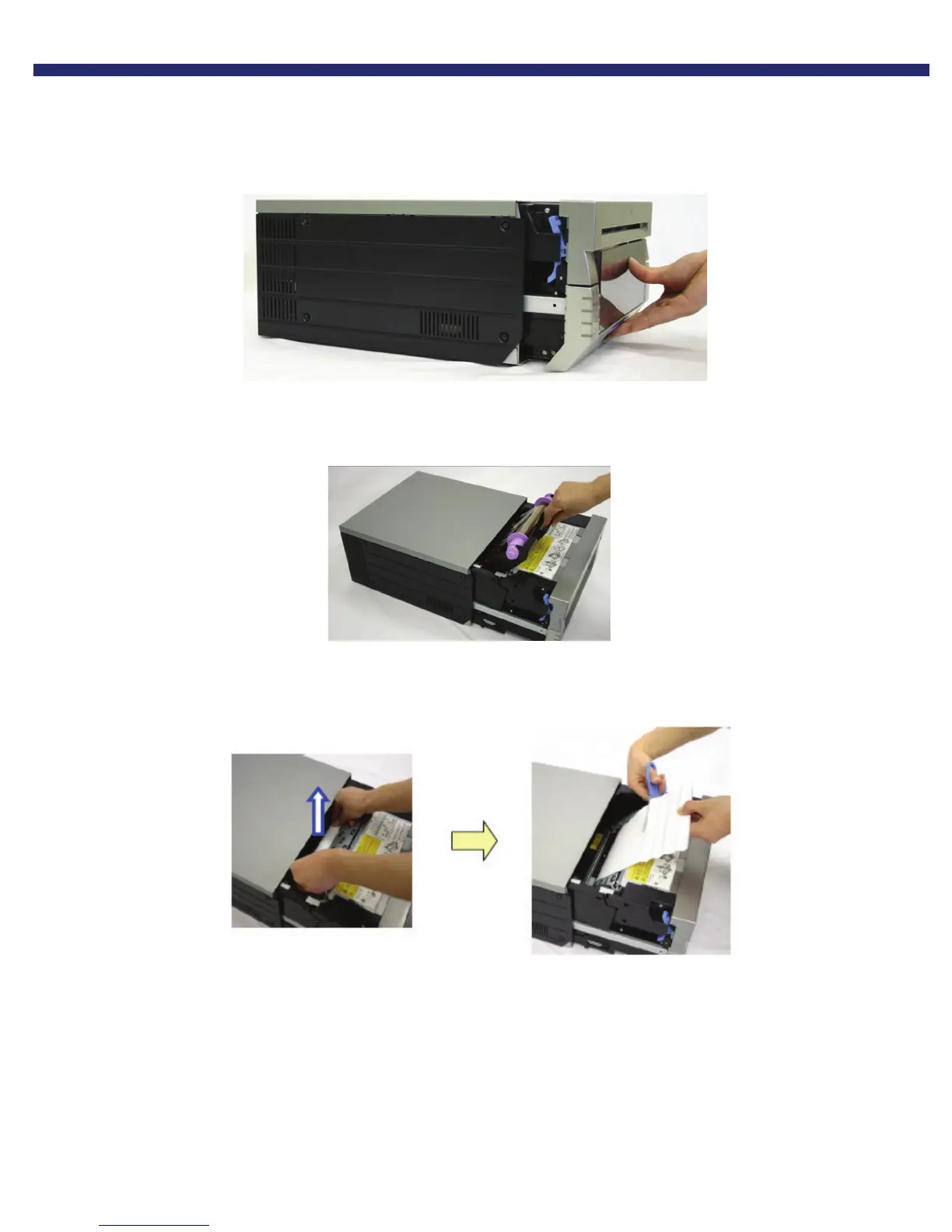
1. Pull out the mechanism unit by lifting the blue handle beneath the scrap box, and pulling gently.
Figure 21. Pulling the Mechanism Unit
2. Remove the ribbon cassette by pulling the cassette up and out.
Figure 22. Removing the Ribbon Cassette
3. Pull any paper remaining in the printer in the direction indicated, and cut off any wrinkled or partially printed areas
evenly with scissors.
Figure 23. Pulling and Trimming the Paper



 To Next Page