4 DNP Photo Imaging America Corp.
If the ribbon is torn or has been pulled into the mechanism: Troubleshooting
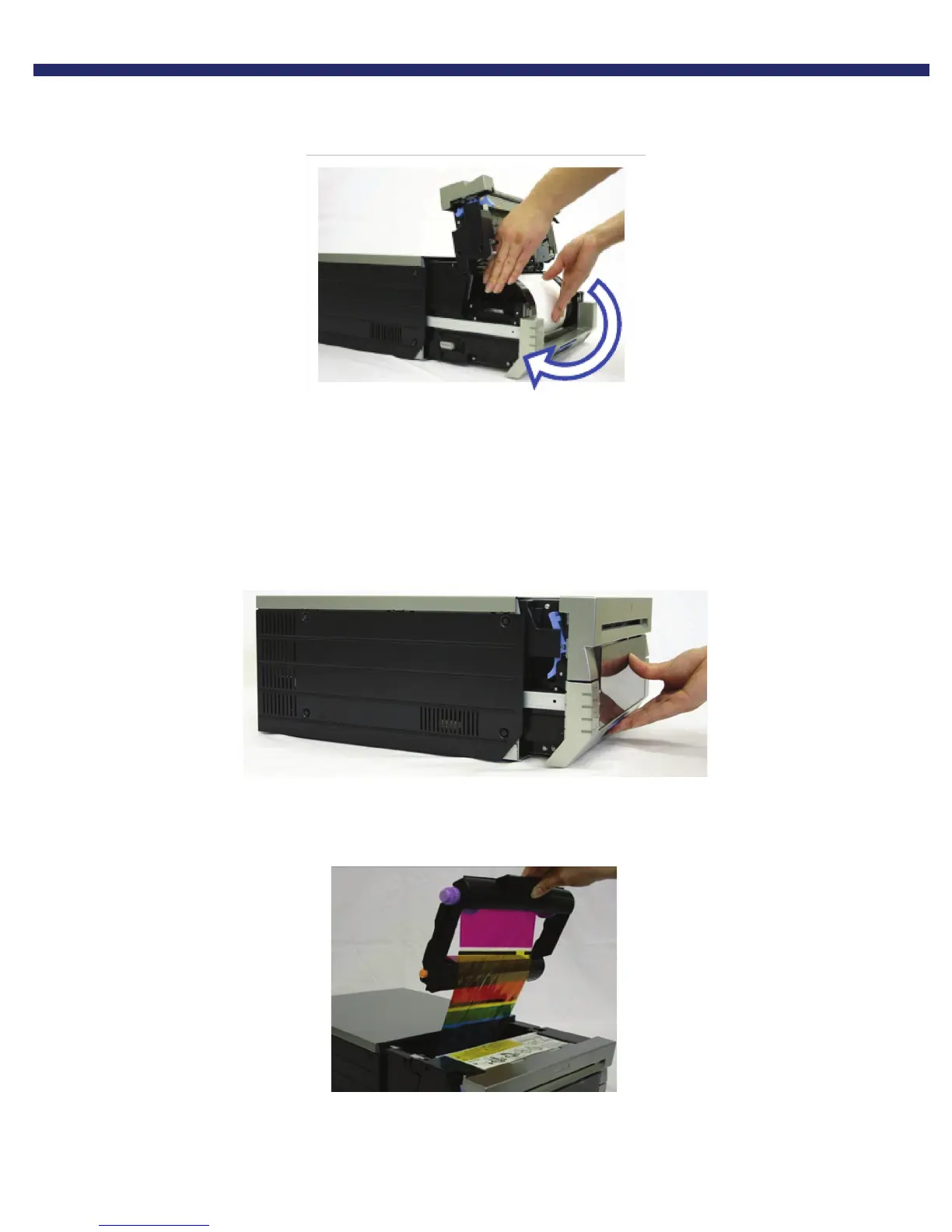
6. Advance the paper in the direction indicated. When it is inserted far enough the buzzer will beep, and the orange
Paper LED light will stop blinking.
Figure 26. Advancing the paper
Close the top of the mechanism, and push the mechanism back in place. The printer will re-initialize.
You have now cleared a paper jam.
If the ribbon is torn or has been pulled into the mechanism:
1. Pull out the mechanism unit by lifting the blue handle beneath the scrap box, and pulling gently.
Figure 27. Pulling the Mechanism Unit
2. Carefully remove the ribbon cassette by pulling up and out.
Figure 28. Removing the Ribbon Cassette



 To Next Page