DNP Photo Imaging America Corp. 7
If the Printer is Stopped Mid-action: Troubleshooting
If the Printer is Stopped Mid-action:
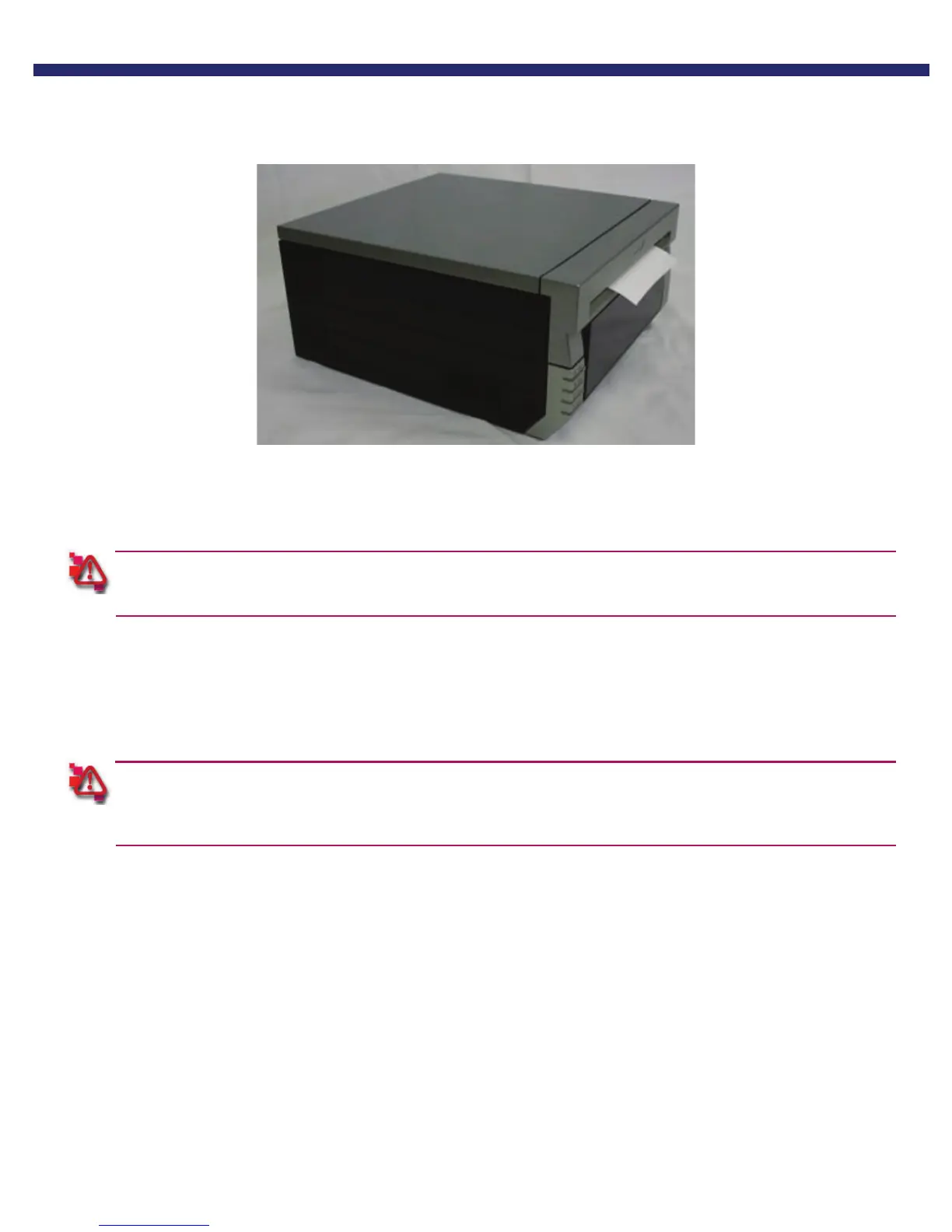
Figure 34. Printer Stopped
1. Turn the power OFF, and then back ON. The jammed paper should be released, and the cutter should return to its
ready position
The mechanism will not open until the cutter has been returned to the ready position.
2. Remove any partially printed paper from inside the mechanism, following the instructions for “if there is a paper jam.”
You have reset a printer stopped in mid-action.
If the Power is Cut During Printing:
If the power is cut during printing, the mechanism unit cannot be pulled out. The mechanism will not open until
the cutter has been returned to the ready position.
1. Turn the power back ON. The partial print will be cut into scrap lengths and discarded in the scrap bin.
2. Once the cutter has returned to the ready position, the mechanism can be pulled out.
3. Check that there is no partially printed paper in the mechanism unit. If there is, see: “if there is a paper jam.”



 To Next Page