6 DNP Photo Imaging America Corp.
If the ribbon is torn or has been pulled into the mechanism: Troubleshooting
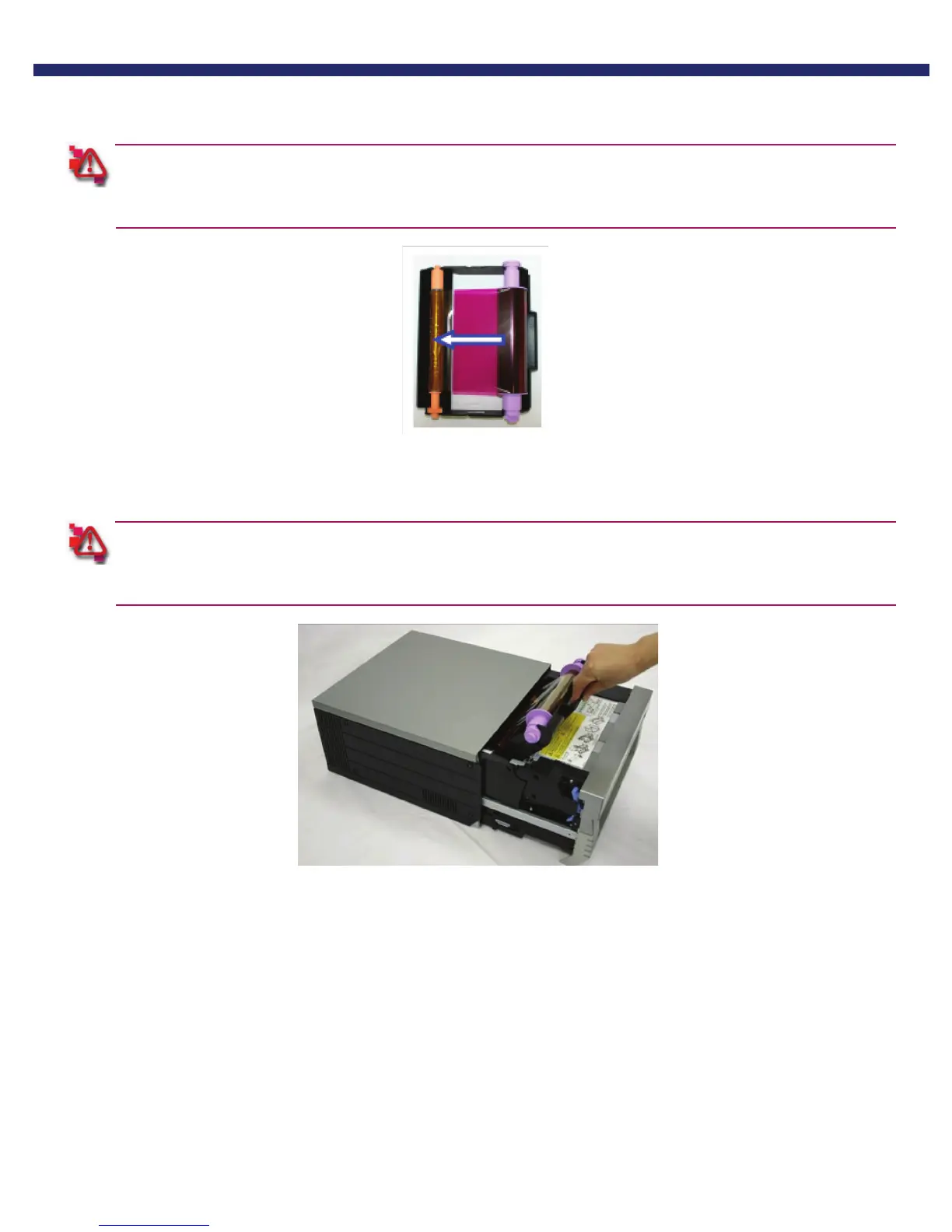
6. Advance the ribbon several times as shown, until the tape is out of sight.
Make sure there is NO slack in the ribbon.
Always wind ribbon onto the orange take-up spool.
Figure 32. Advancing the ribbon
7. replace the cassette.
Make sure the ribbon is placed in the printer correctly, inserting the take-up side first. If the cassette is inserted
improperly, the mechanism will not close.
Figure 33. Replacing the Cassette.
8. Close the mechanism. The printer will re-initialize.
You have now repaired a torn ribbon.



 To Next Page