2 DNP Photo Imaging America Corp.
Cleaning the Ventilation Area Maintaining the Printers
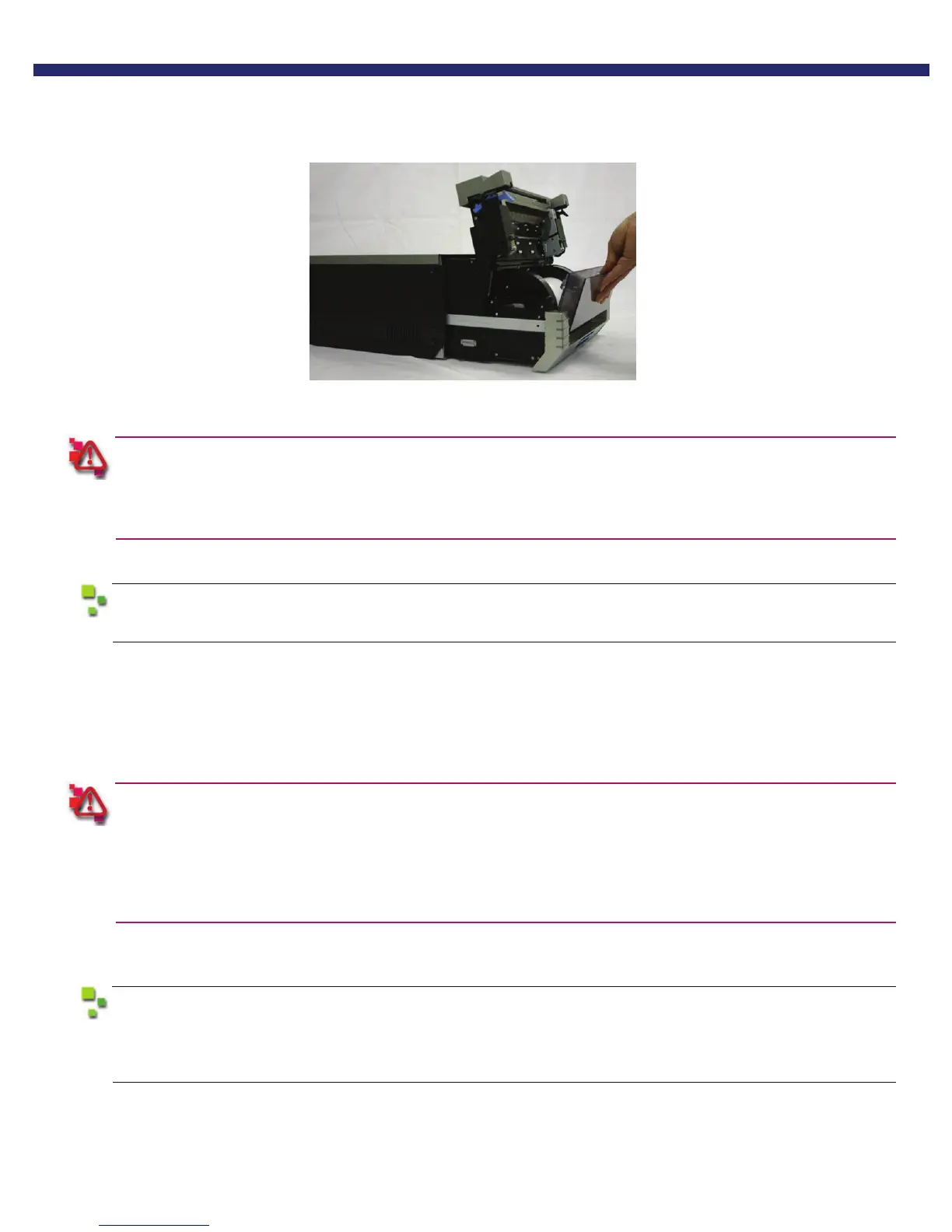
3. Remove the scrap box, empty scraps into a proper receptacle...
4. Replace the scrap bin.
The printer will not operate without the scrap box.
Closing the mechanism unit without the scrap box attached will cause a “No Scrap Box Error,” and the red error
LED will blink.
5. Close the top of the mechanism unit, and push unit back in place.
Closing the mechanism unit starts initialization (4 blank sheets are fed out).
You have now performed basic maintenance on the printer.
CLEANING THE VENTILATION AREA
Periodically, you should check the ventilation or exhaust for the printer, as it can become clogged with dust.
If the ventilation for the printer becomes clogged or blocked, the inside temperature of the housing becomes
higher and can cause the thermal head to overheat.
When the thermal head overheats, printing halts and the power LED will blink. Printing resumes automatically
when the head temperature cools. The thermal head can also overheat due to inputting continuous high-power
such as printing all black images.
1. Turn the printer OFF.
Access the rear of the printer.
You may need to unplug the power or network cables to completely access the back of the printer.
If you will have to disconnect power, make sure you power down the unit previous to unplugging
the unit.



 To Next Page