DNP Photo Imaging America Corp. 1
3
MAINTAINING THE PRINTERS
EMPTYING THE PAPER SCRAP BIN
When the scrap box is removed, do not touch the cutter, as there is a danger of injury.
Before replacing the printer media, remove the paper’s scrap bin.
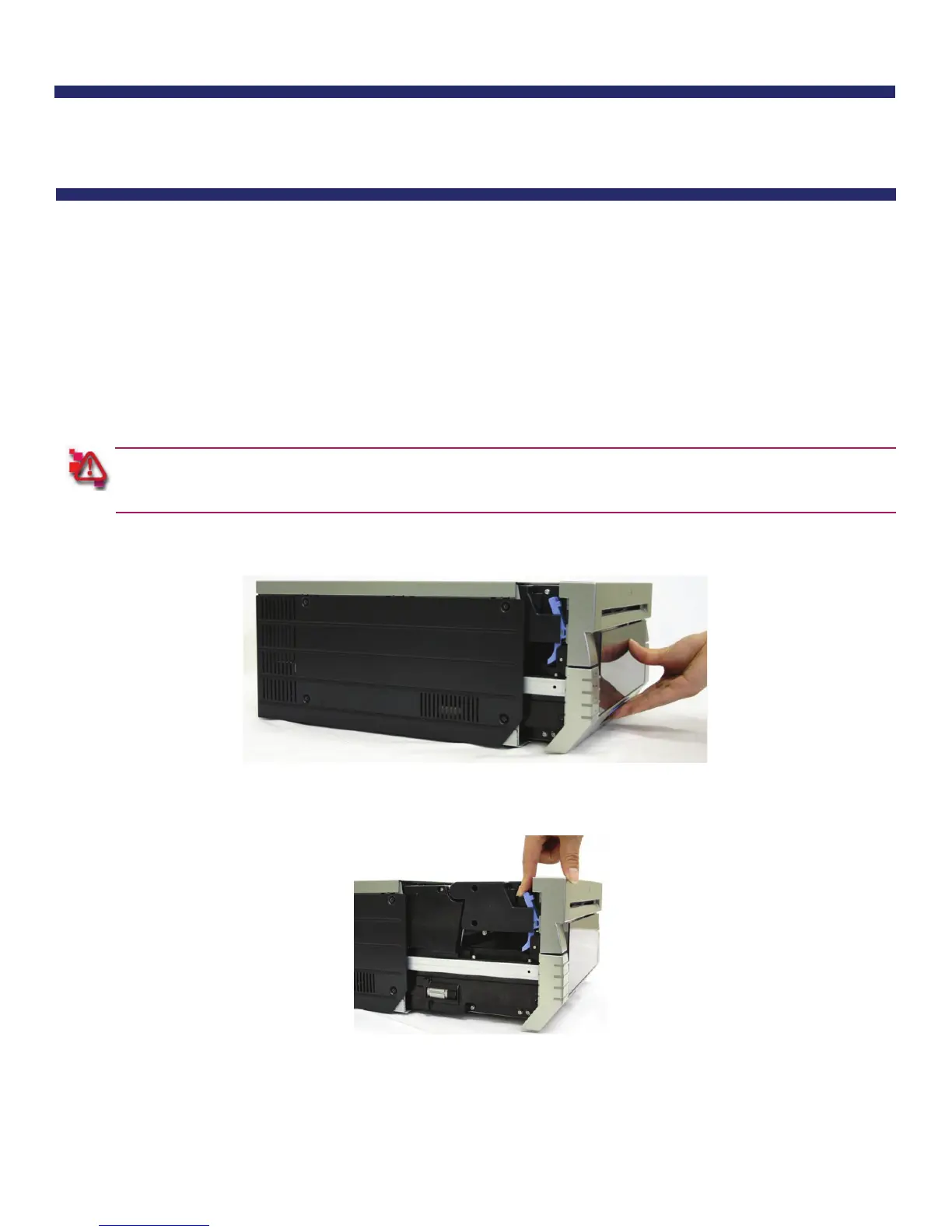
1. Pull out the mechanism unit by lifting the blue handle beneath the scrap box, and pulling gently.
Figure 10. Pulling the Mechanism Unit
2. Free the paper release lever.
Figure 11. Paper Release Lever



 To Next Page